Plaud User Guide
- How it work?
How it work?

without a meeting bot
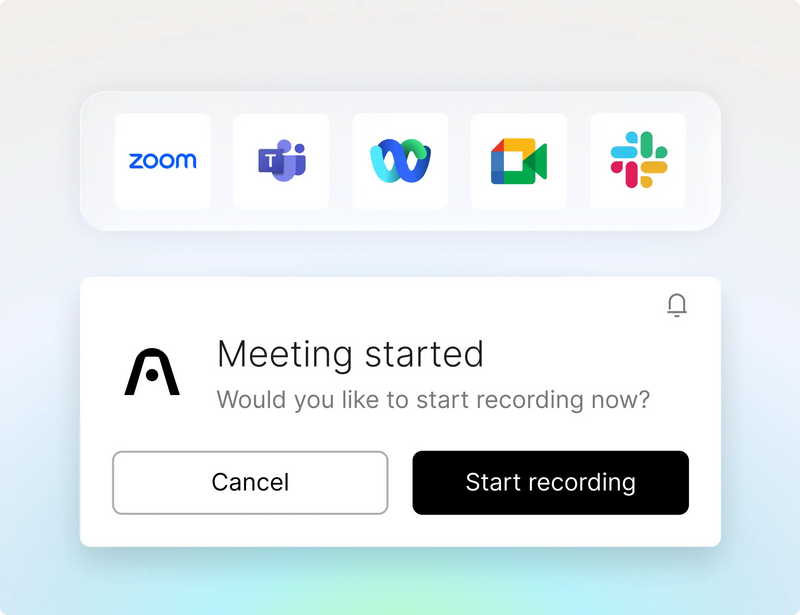
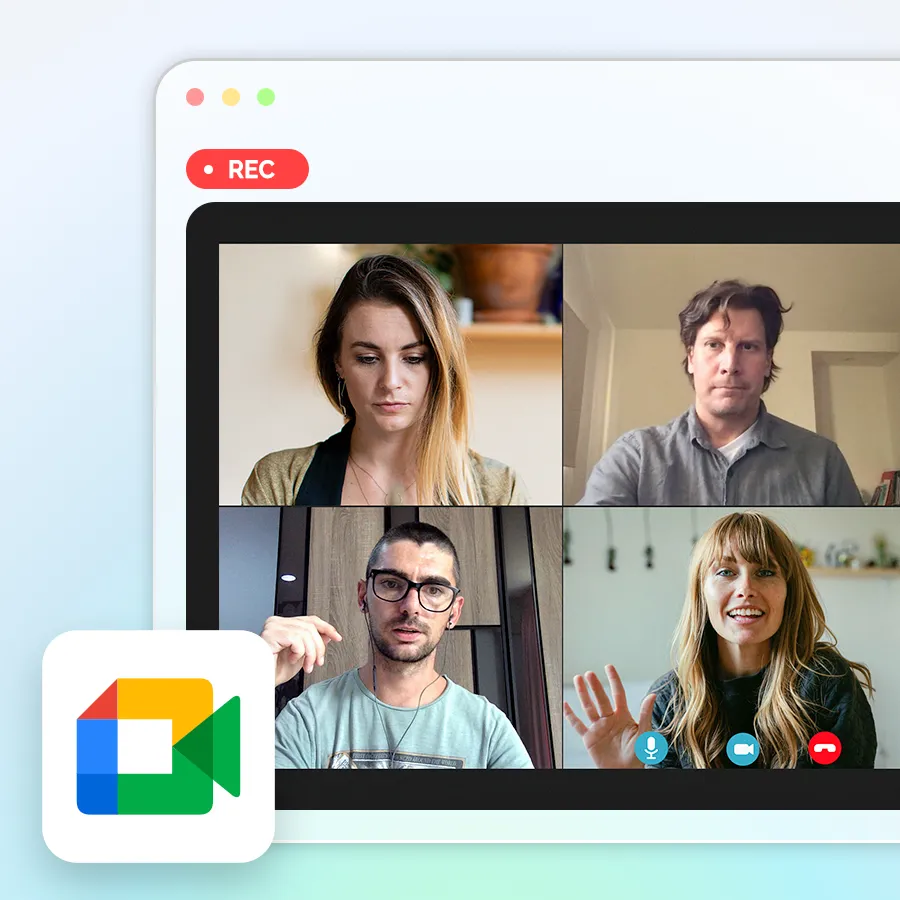
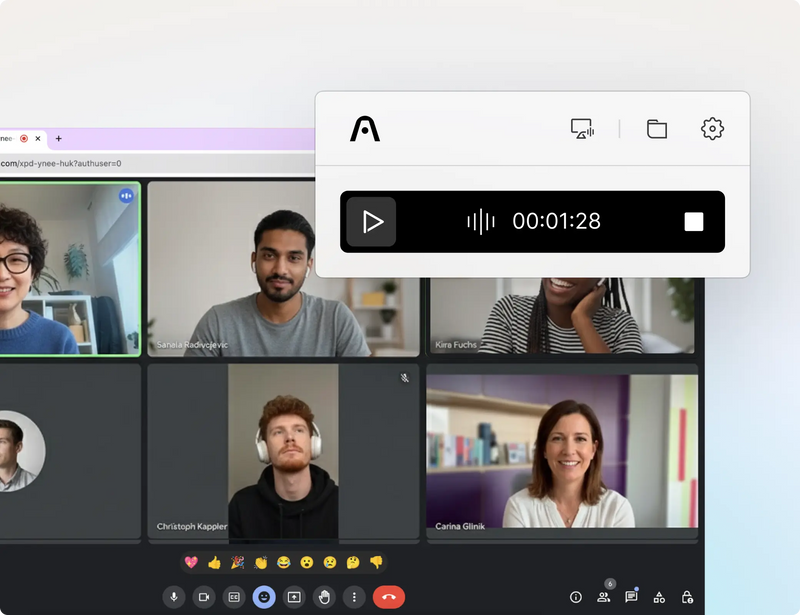
Never miss a meeting

No meeting bots
it captures ambiently from your desktop.
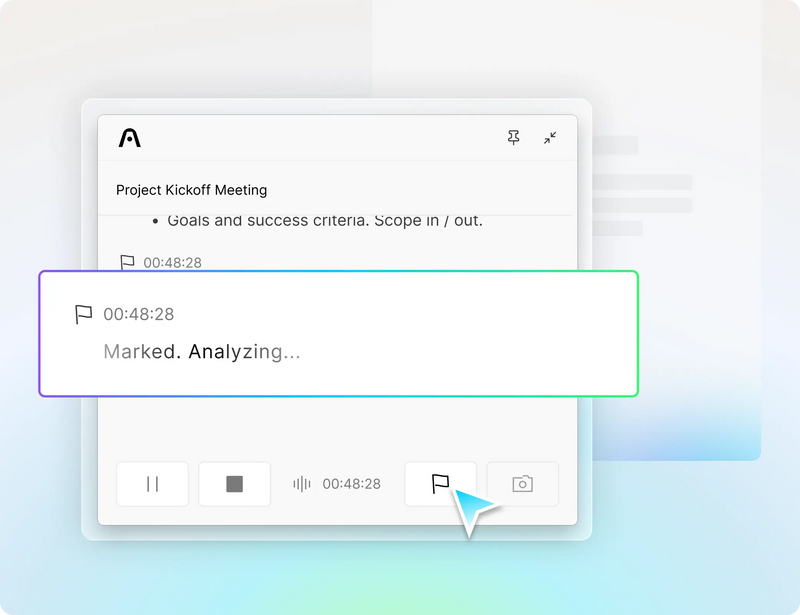
Highlight key moments

Click here to be redirected to the more applicable version of our website for your region/country.
Are you sure? You won't be able to place an order on this website.

Smart Dual-Mode Recording:
Automatically switches modes so you can stay focused on the conversation while recording seamlessly.
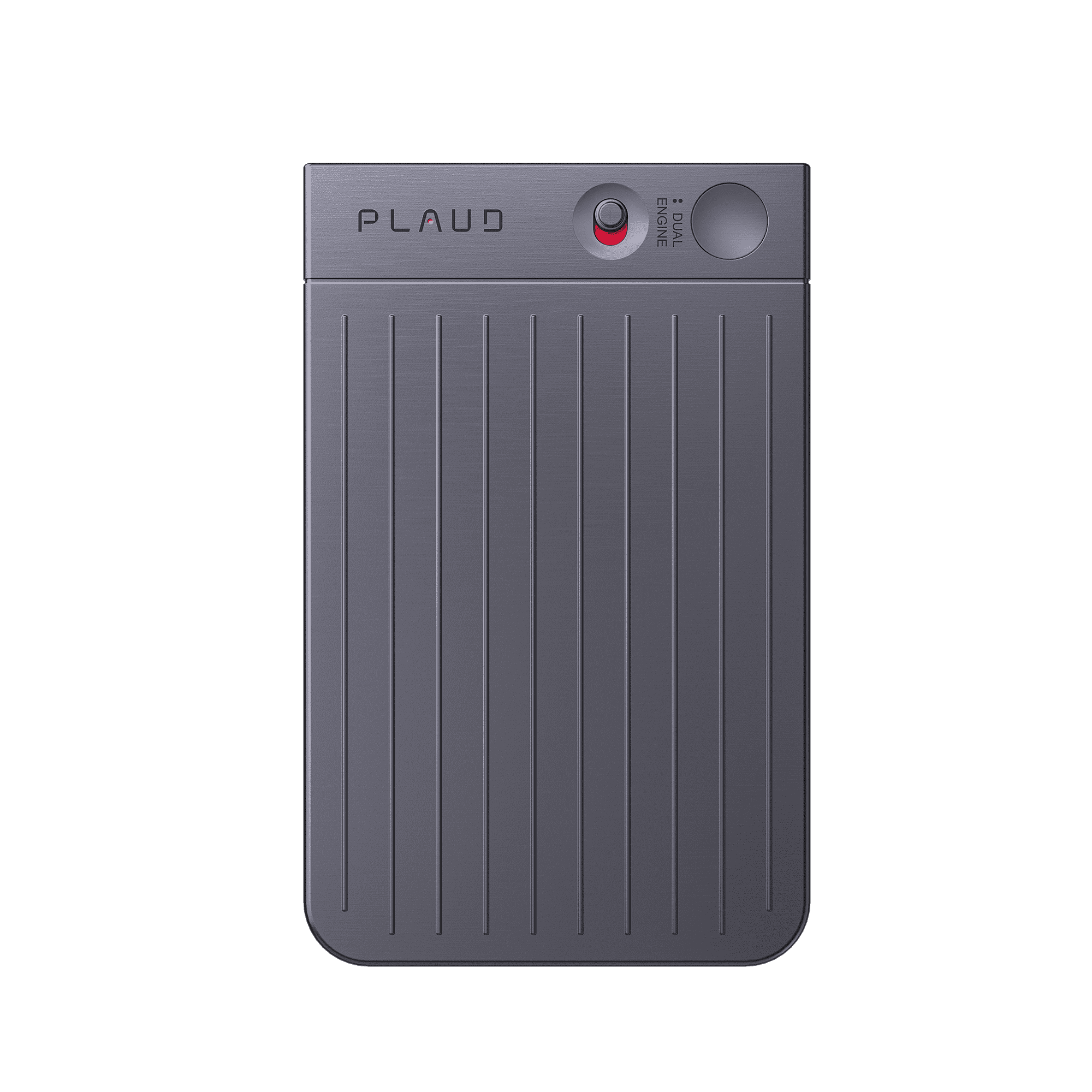
Start recording notes: Slide the record switch down to Notes Recording Mode.
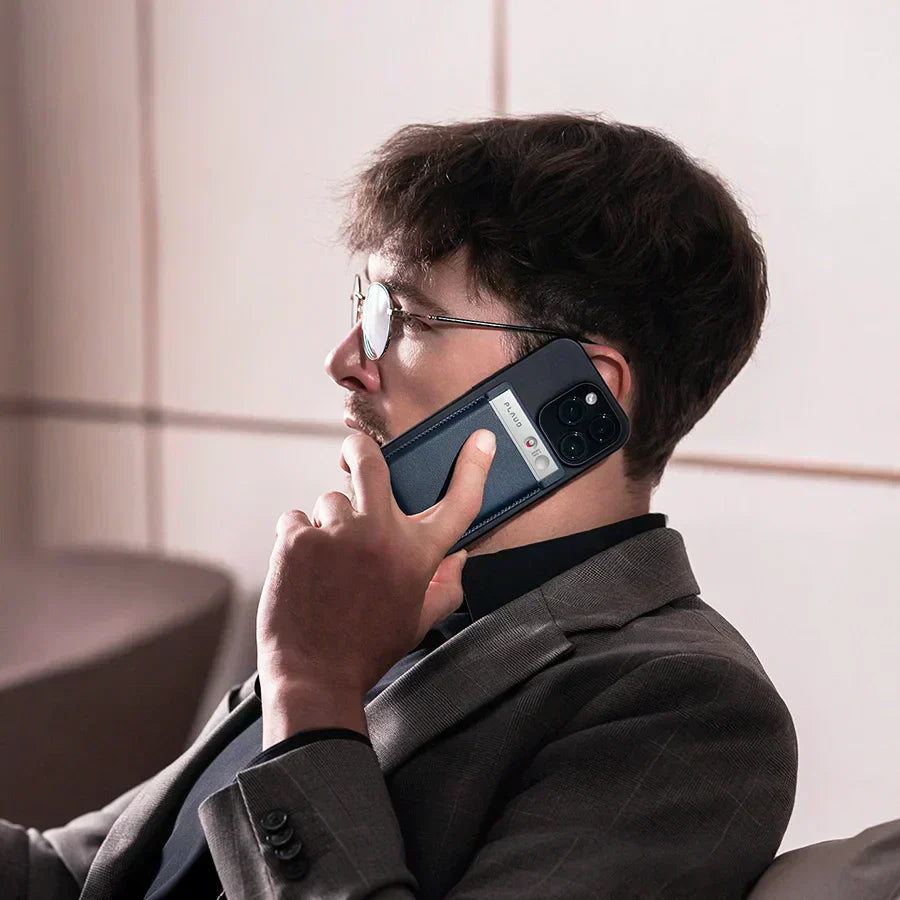
Record phone calls: Slide the record switch up to Call Recording Mode.
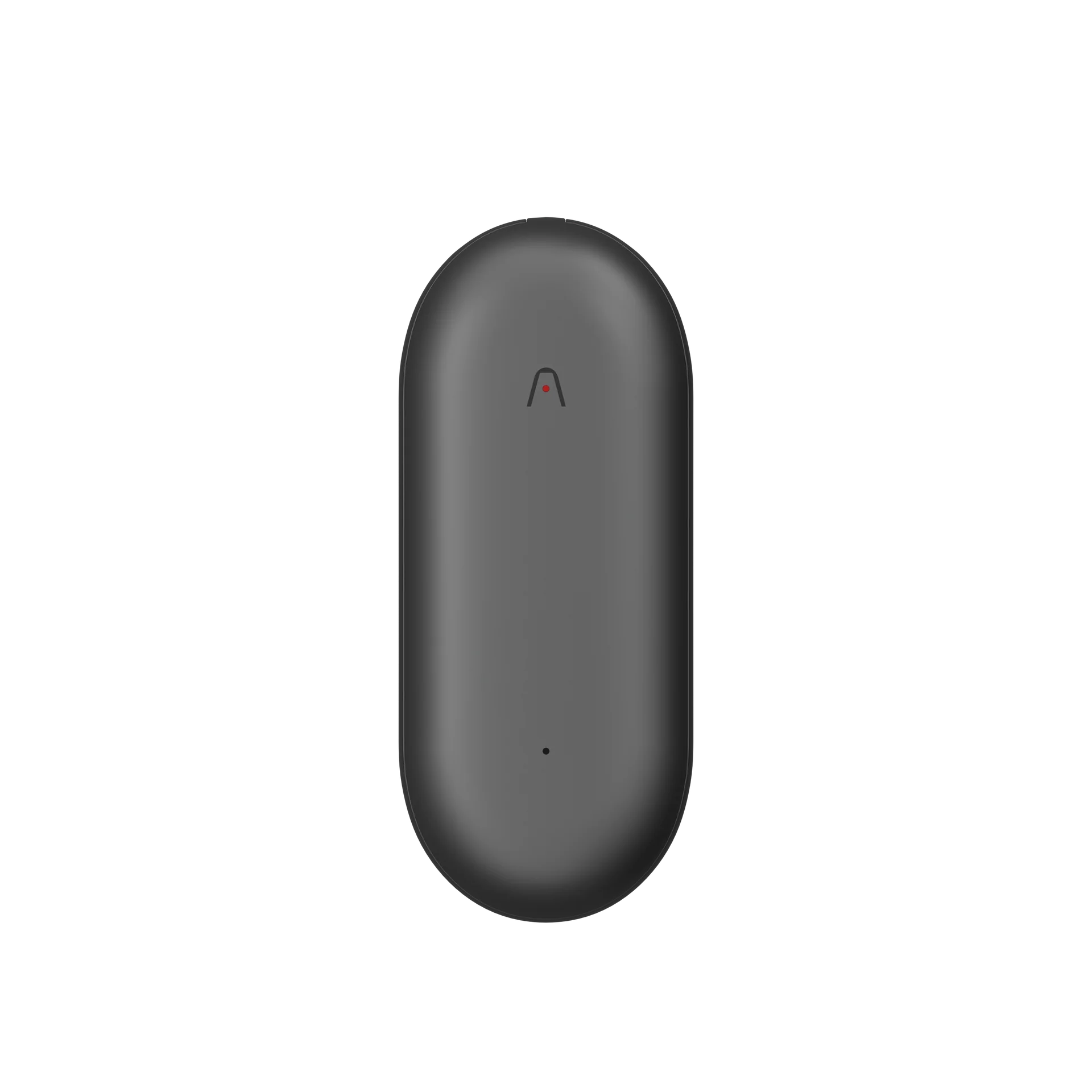
Start recording: Press the center of the device—one vibration means recording has started.
Stop recording: Press the center again—two vibrations mean recording has stopped.
After recording ends, open the Plaud app to view your audio files.
Tap any line of the transcript to jump directly to the corresponding audio segment.
To learn more about AI features and advanced usage, click below to visit the Plaud Intelligence page.

Never miss a meeting

No meeting bots

Highlight key moments

จัดส่งรวดเร็ว
จัดส่งภายใน 3-5 วันทำการ
คืนสินค้าได้ฟรีภายใน 30 วัน
ไม่ต้องระบุเหตุผล ส่งคืนสินค้าฟรีและคืนเงินเต็มจำนวน
รับประกัน 1 ปี
ระยะเวลารับประกันขึ้นอยู่กับกฎหมายท้องถิ่น
การสนับสนุนลูกค้าตลอดอายุการใช้งาน
บริการให้ความช่วยเหลืออย่างรวดเร็วภายใน 24 ชั่วโมงในวันทำการ
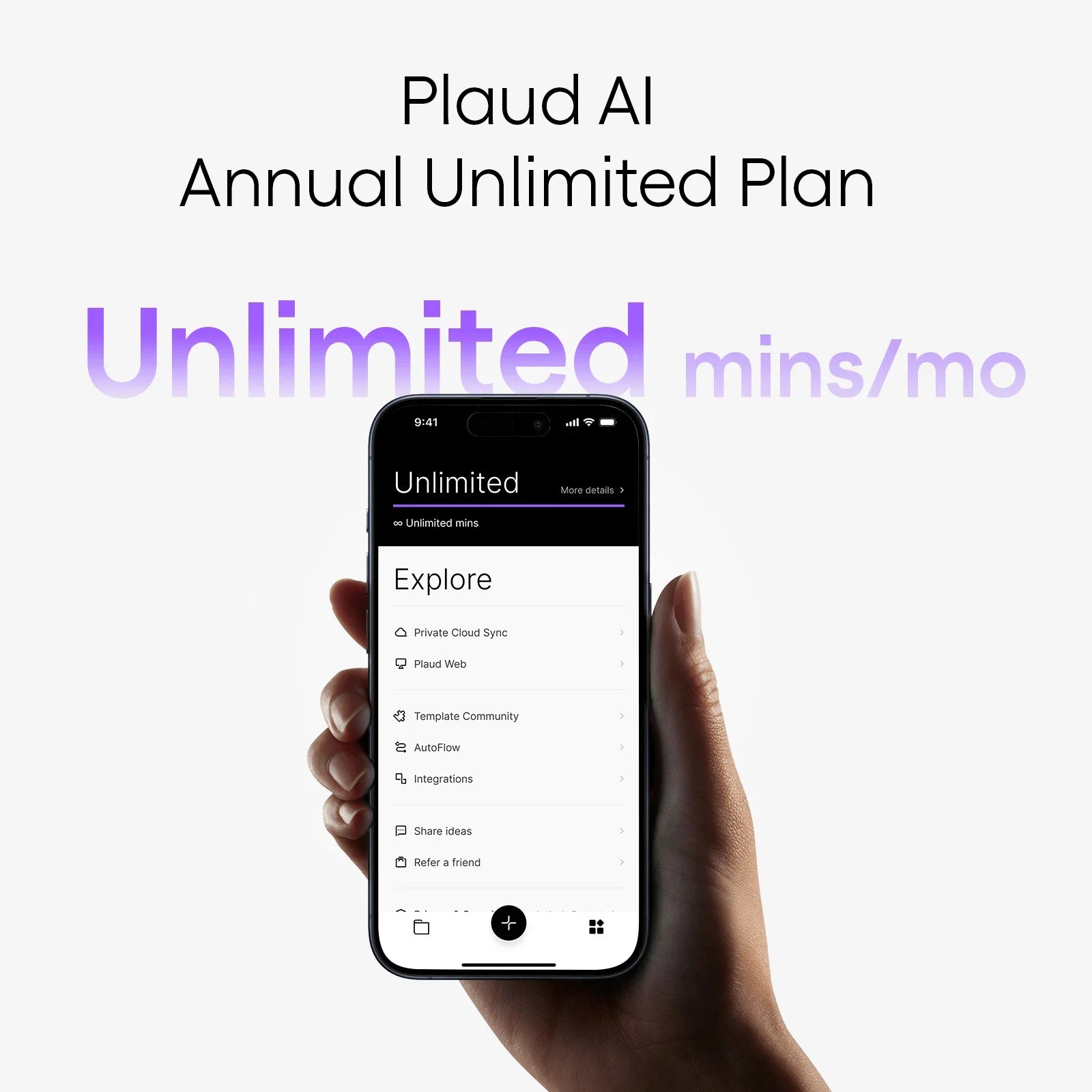
การถอดเสียง AI แบบไม่จำกัด
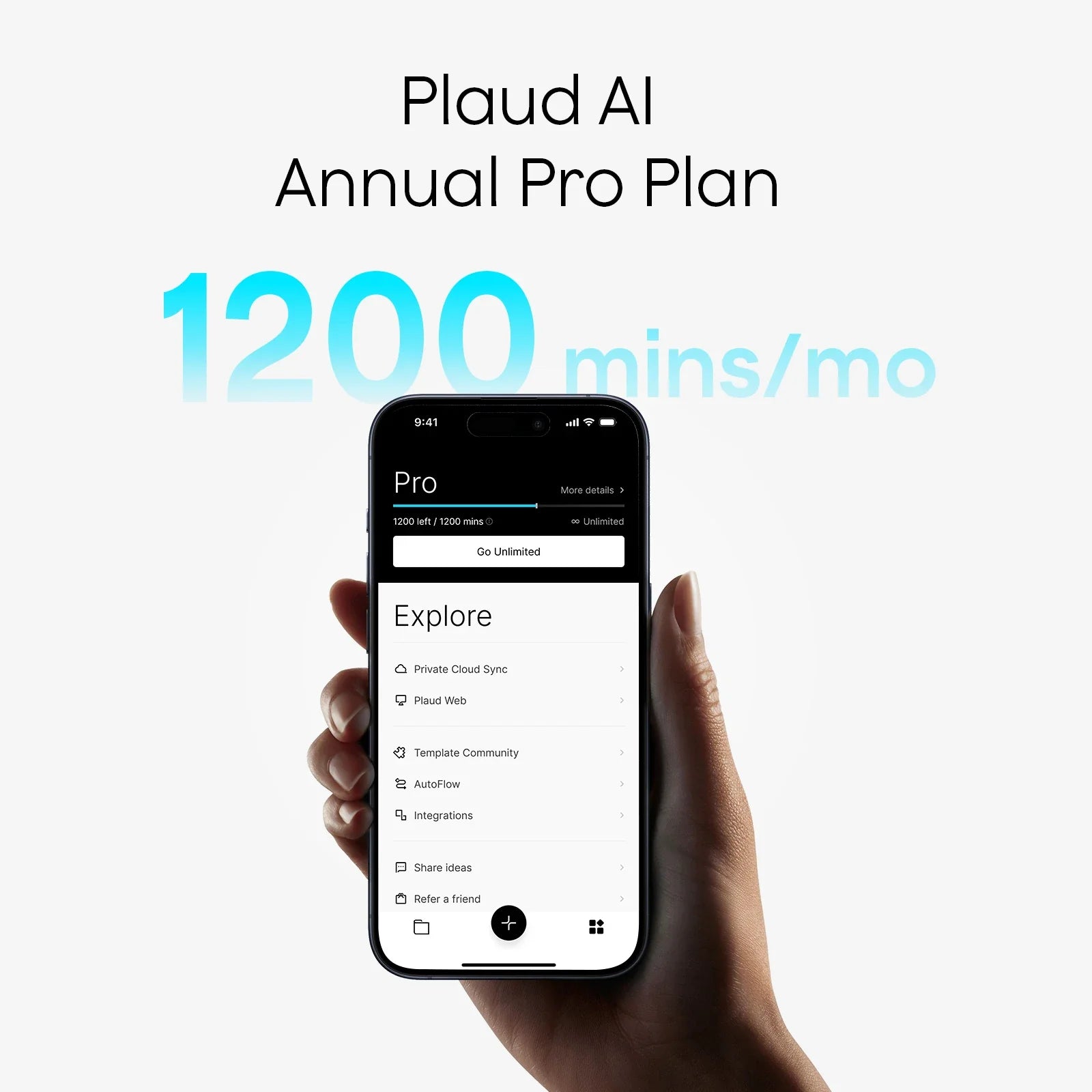
การถอดเสียงด้วย AI 1,200 นาที/เดือน
ตัวอย่างชื่อผลิตภัณฑ์
ค้นหาในเว็บไซต์ Plaud.ai
การค้นหายอดนิยม