Plaud User Guide

Using Your Plaud Device
Step by Step Guide
Using Plaud Desktop
Device Compare

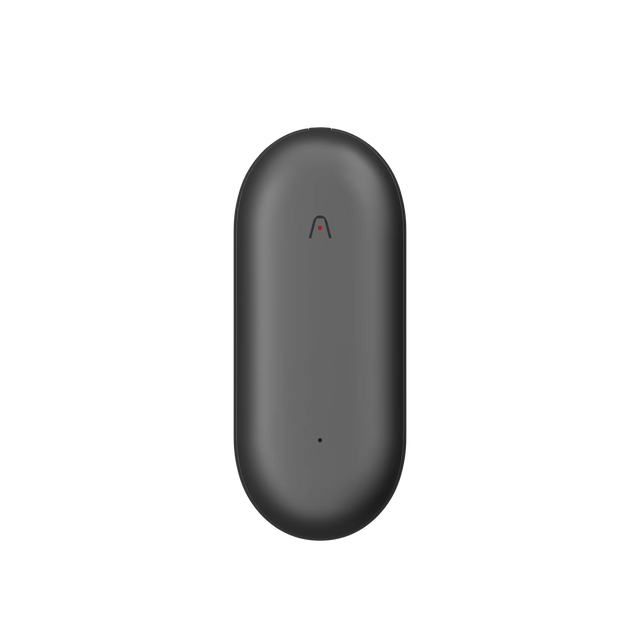
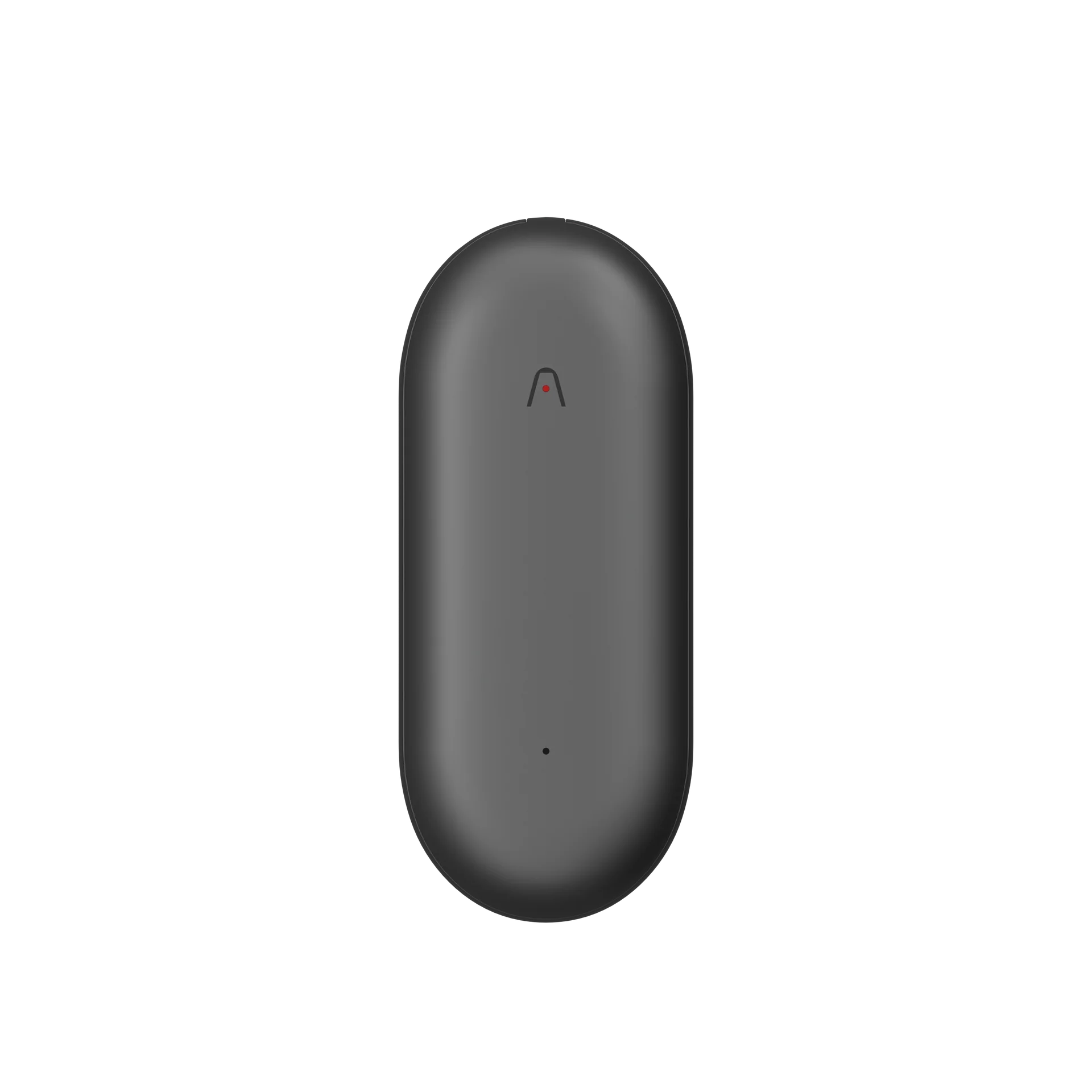
Plaud NotePin S

Plaud Note Pro

Plaud Note

Plaud NotePin

Plaud Intelligence

Step 1: The Plaud App

Powered by the latest AI models, Plaud devices deliver highly accurate, timestamped transcripts—capturing every word with near-human precision and minimizing errors.

Step 2: Pair Your Device

After creating your Plaud account and successfully signing in, follow the steps below to pair your device:

Step 1 | Select your Plaud device

Step 2 | Press the device button and wait for it to connect

Step 3 | Confirm the device appearance and serial number match

Step 3: Start Recording

How do you start/stop recording on different Plaud devices?

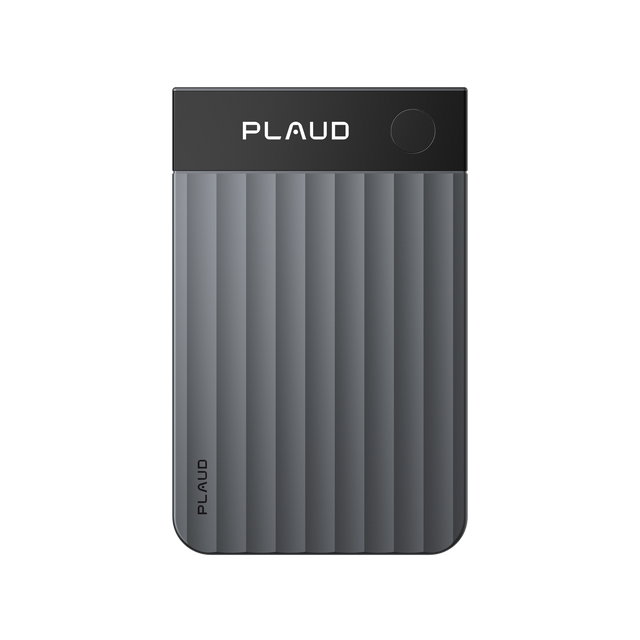
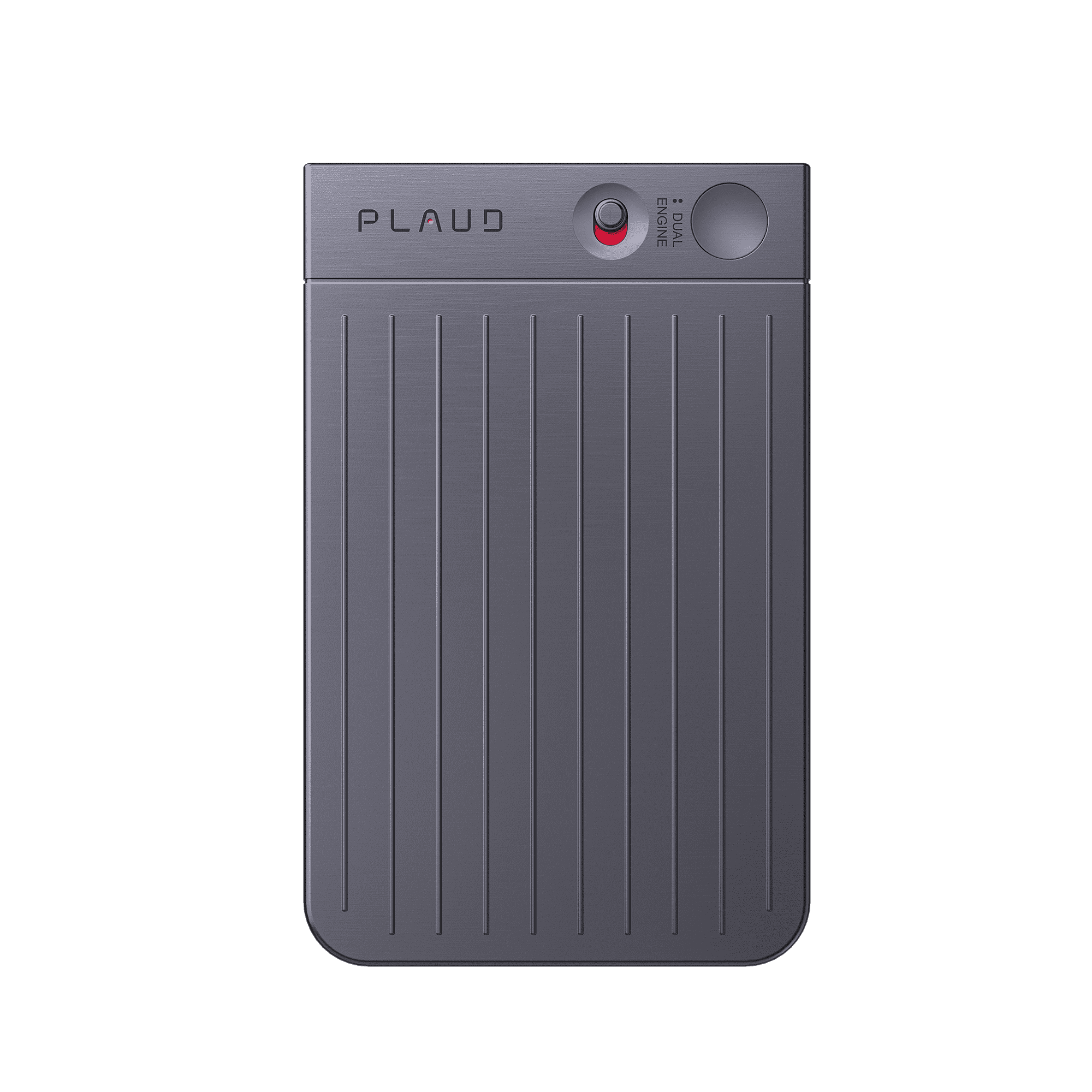
Plaud Note Pro

Smart Dual-Mode Recording:

Automatically switches modes so you can stay focused on the conversation while recording seamlessly.

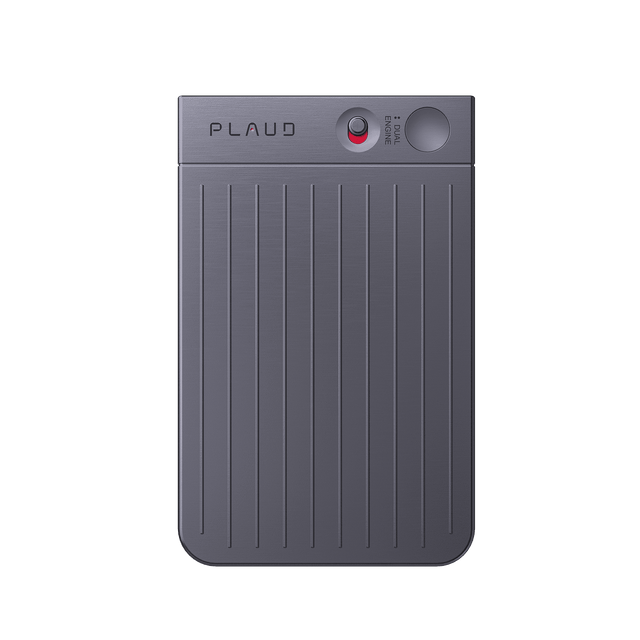
Plaud Note

Start recording notes: Slide the record switch down to Notes Recording Mode.

Record phone calls: Slide the record switch up to Call Recording Mode.

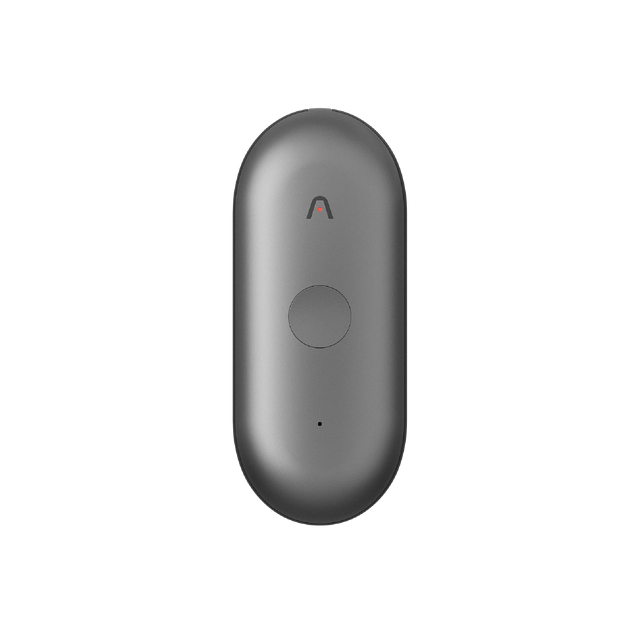
Plaud Note Pin / Plaud Note Pin S

Start recording: Press the center of the device—one vibration means recording has started.

Stop recording: Press the center again—two vibrations mean recording has stopped.

Step 4: How to transcribe recordings into text and generate key summaries?

After recording ends, open the Plaud app to view your audio files.

Tap any line of the transcript to jump directly to the corresponding audio segment.

To learn more about AI features and advanced usage, click below to visit the Plaud Intelligence page.

Go To Plaud Intelligence
Plaud Desktop Use Guide

Plaud Desktop

Capture every online meeting,
without a meeting bot

Never miss a meeting
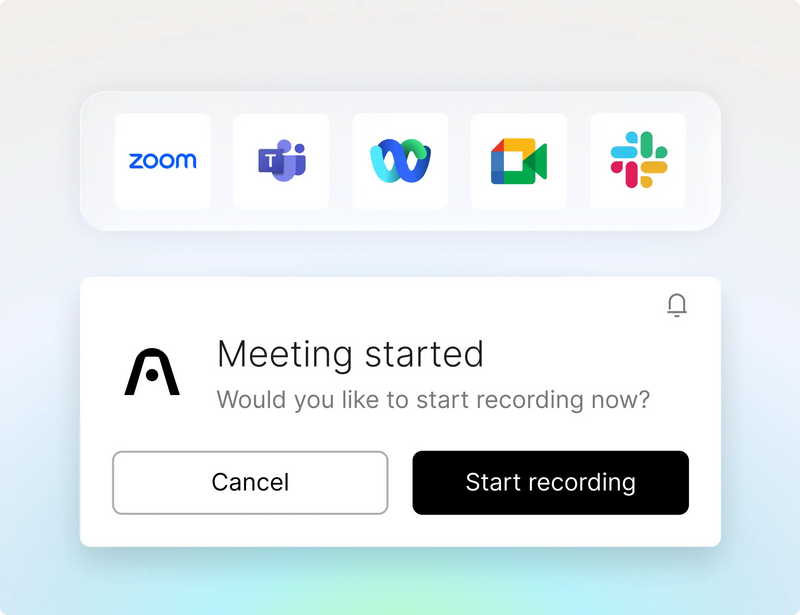
You can choose to let Plaud auto-detect when a meeting starts.
Never miss a meeting

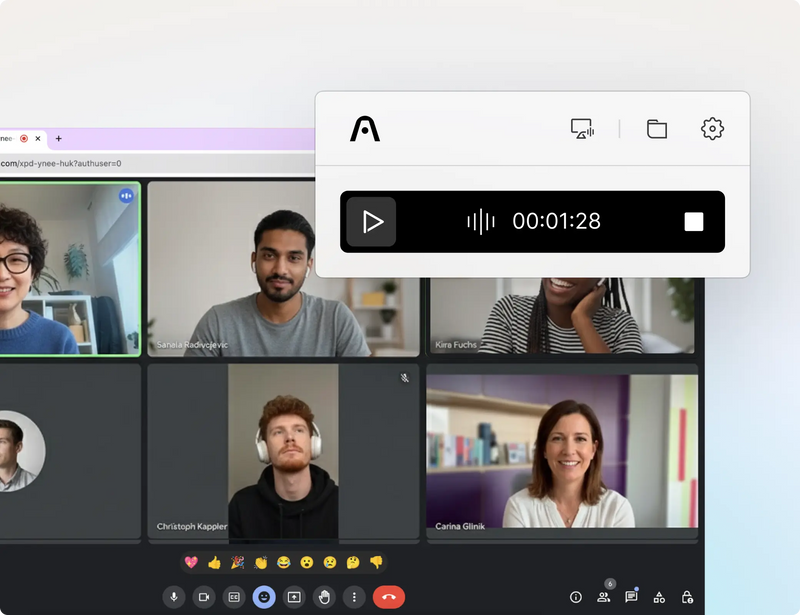
No meeting bots

Plaud doesn't 'join your meeting',
it captures ambiently from your desktop.
No meeting bots

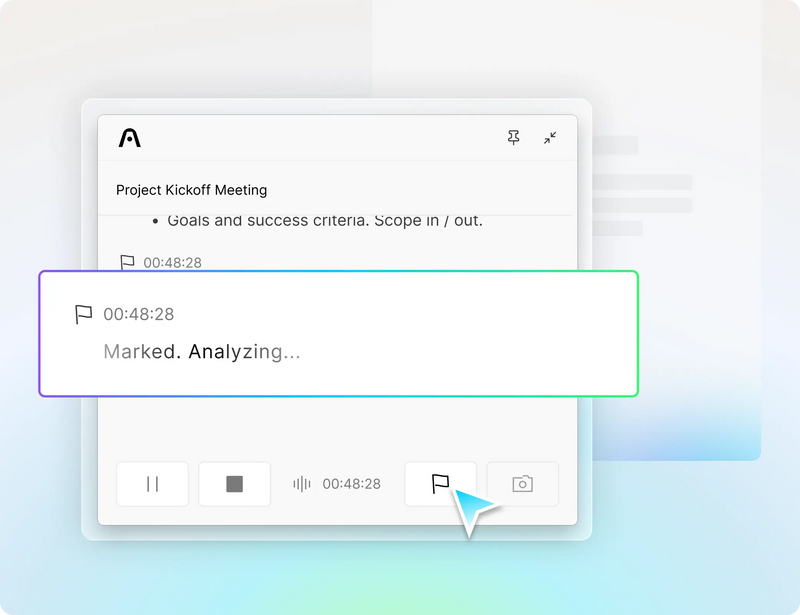
Highlight key moments

Tap once to highlight the topics that matter most and bring extra focus to your AI summaries.
Highlight key moments
Compare Plaud devices

Plaud Note Pro

Ideal for teams & professionals needing clarity in larger spaces

Plaud Note Pro
$259.00
upon official release

Plaud Note

Ideal for hybrid work, calls, and meetings anywhere

Plaud Note
$229.00
$229.00 upon official release

Plaud NotePin S

Ideal for hands-free, in-person conversations

Plaud NotePin S
$249.00
upon official release
Learn more

Plaud NotePin

Ideal for hands-free, in-person conversations

Plaud NotePin
$229.00
$229.00 upon official release
Plaud Note Pro

Plaud Note Pro

$259.00
upon official release
Plaud Note

Plaud Note

$229.00
$229.00 upon official release
Plaud NotePin S

Plaud NotePin S

$249.00
upon official release
Plaud NotePin

Plaud NotePin

$229.00
$229.00 upon official release
constrict >>

Audio pickup range

Up to 5 meters / 16.4 feet

Up to 3 meters / 9.8 feet

Up to 3 meters / 9.8 feet

Up to 3 meters / 9.8 feet

Number of microphones

4 MEMS, 1 VPU

2 MEMS, 1 VPU

2 MEMS

2 MEMS

Record button

Physical tactile button

Physical tactile button

Physical tactile button

Pressure-sensitive button

Press to highlight

Available

Available

Available

--

Recording modes

Smart dual-mode recording: Automatically switch between calls & meetings

Dual-mode recording: Switch between phone calls & meetings

In-person

In-person

Display

InstantView display with AMOLED technology

--

--

--

Battery life

500mAh Enhance mode: Up to 30 hours of continuous recording, 60 standby days Endurance mode: Up to 50 hours of continuous recording, 60 standby days

400mAh Up to 30 hours continuous recording, 60 days standby

270mAh Up to 20 hours continuous recording, 40 days standby

270mAh Up to 20 hours continuous recording, 40 days standby

Internal storage

64GB

64GB

64GB

64GB

Apple Find My

--

--

Available

Available

File transfer options

Bluetooth (BLE 5.4) Dual-band Wi-Fi (2.4GHz & 5GHz)

Bluetooth (BLE 5.2) Wi-Fi (2.4GHz)

Bluetooth (BLE 5.2) Wi-Fi (2.4GHz) Upload to cloud while charging

Bluetooth (BLE 5.2) Wi-Fi (2.4GHz) Upload to cloud while charging

Carrying options

Attach to your phone with a magnetic case, or carry it standalone

Attach to your phone with a magnetic case, or carry it standalone

Wearable with a magnetic pin, clip, lanyard, or wristband

Wearable with a magnetic pin, clip, lanyard, or wristband

Weight

30g / 1.06oz

30g / 1.06oz

17.6g / 0.62oz (Without magnetic pin)

16.6g / 0.59oz (Without magnetic pin)

Dimensions

85.6 x 54.1 x 2.99 mm / 3.37″ x 2.13″ x 0.12″

85.6 x 54.1 x 2.99 mm / 3.37″ x 2.13″ x 0.12″

51 x 21 x 11 mm / 2.01″ x 0.83″ x 0.43″

51 x 21 x 11 mm / 2.01″ x 0.83″ x 0.43″

Device materials

Aluminum alloy & Corning Gorilla Glass

Aluminum alloy

Aluminum alloy & Polycarbonate

Aluminum alloy & Polycarbonate

Accessories included

Magnetic case, magnetic ring, and charging cable

Magnetic case, magnetic ring, and charging cable

Magnetic pin, clip, wristband, lanyard, charging dock, and cable

Magnetic pin, clip, charging dock and cable