Plaud User Guide
- How it work?
How it work?

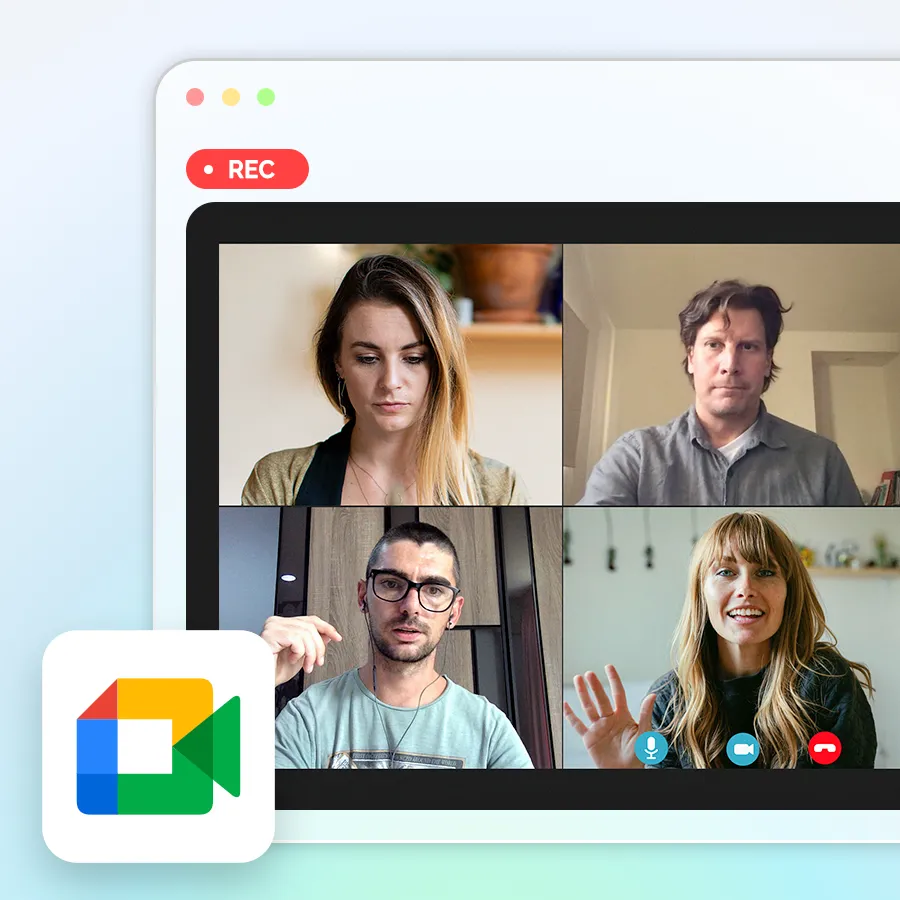
without a meeting bot
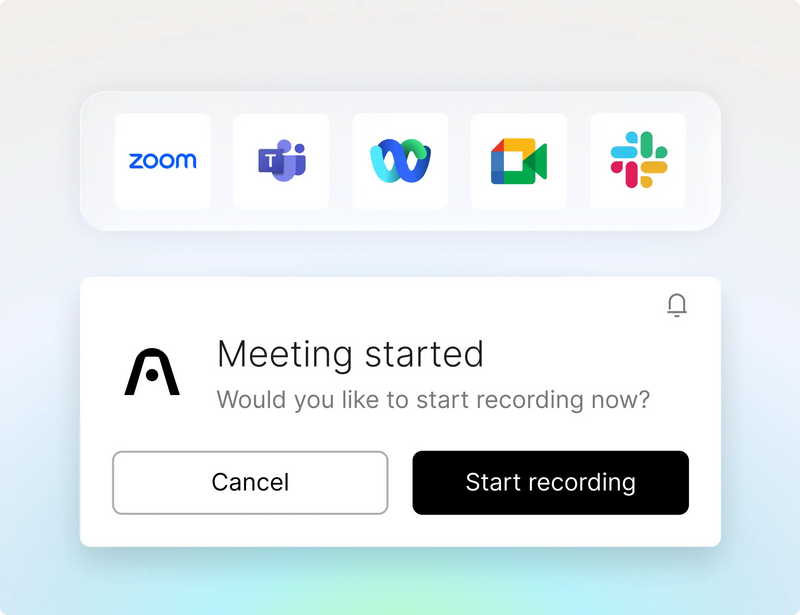
Never miss a meeting

No meeting bots
it captures ambiently from your desktop.
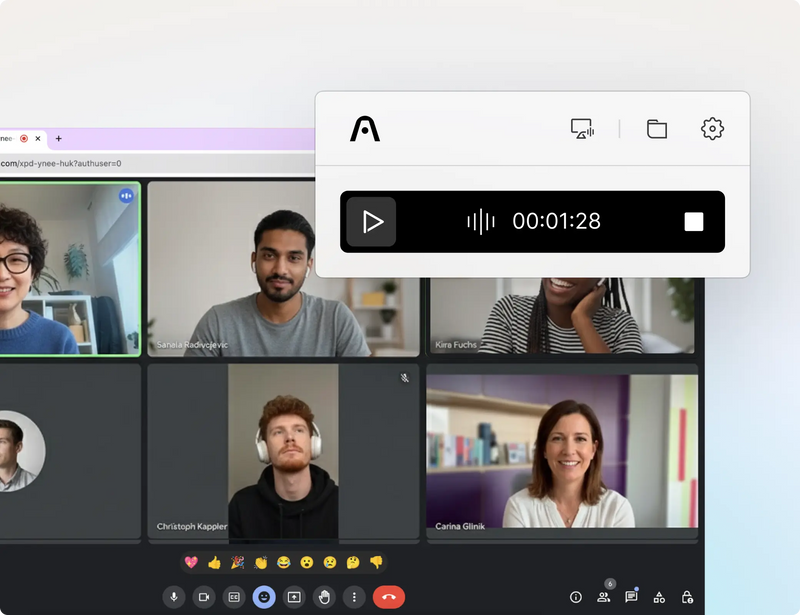
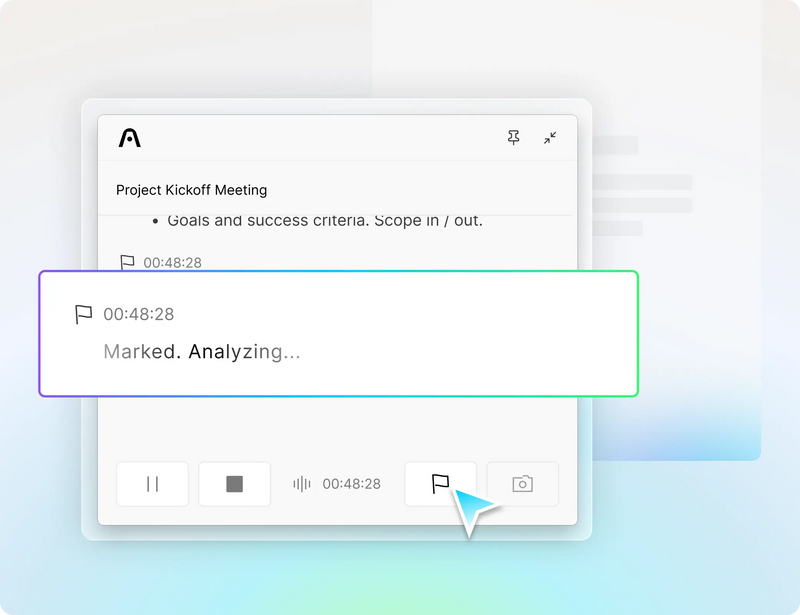
Highlight key moments

Click here to be redirected to the more applicable version of our website for your region/country.
Are you sure? You won't be able to place an order on this website.

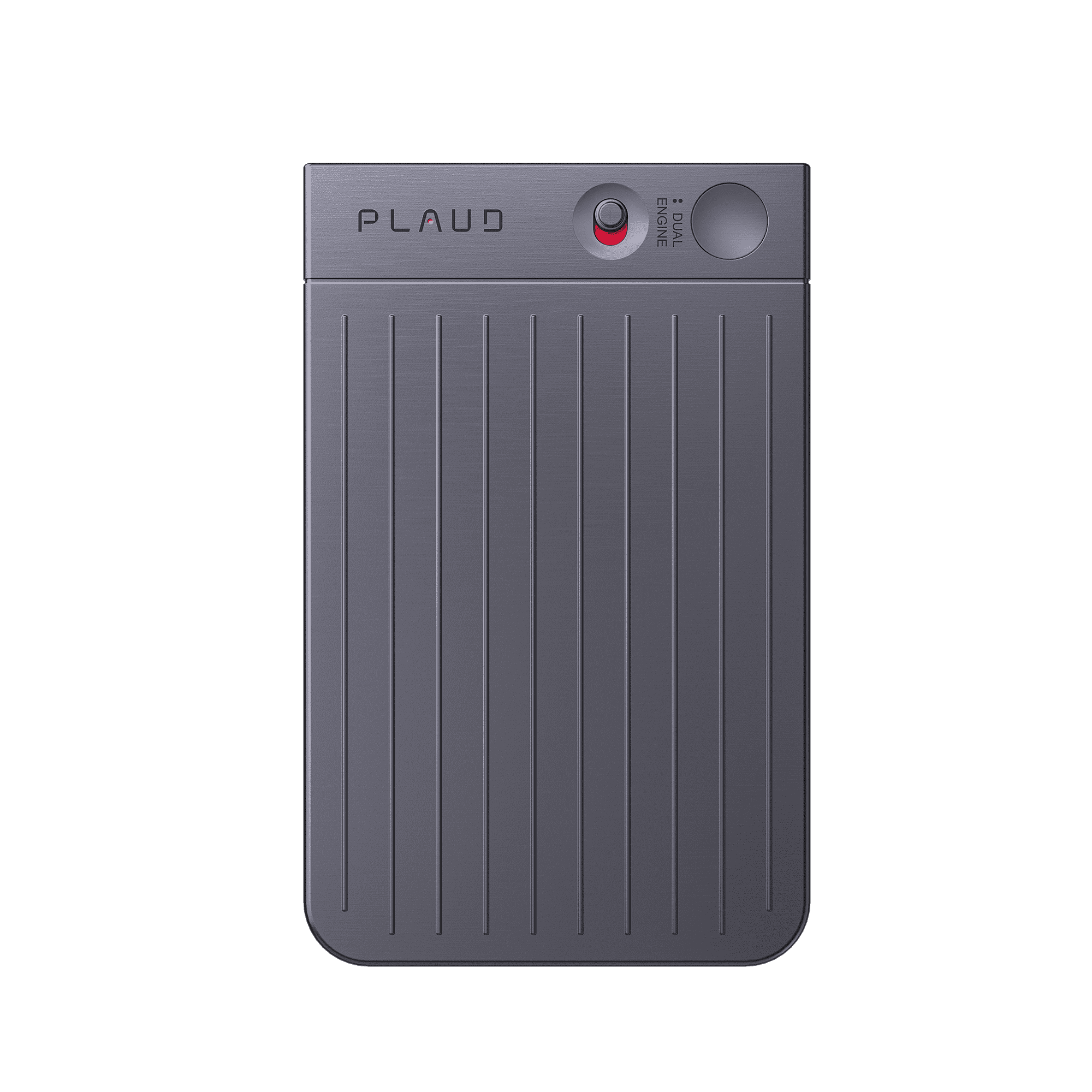
Smart Dual-Mode Recording:
Automatically switches modes so you can stay focused on the conversation while recording seamlessly.
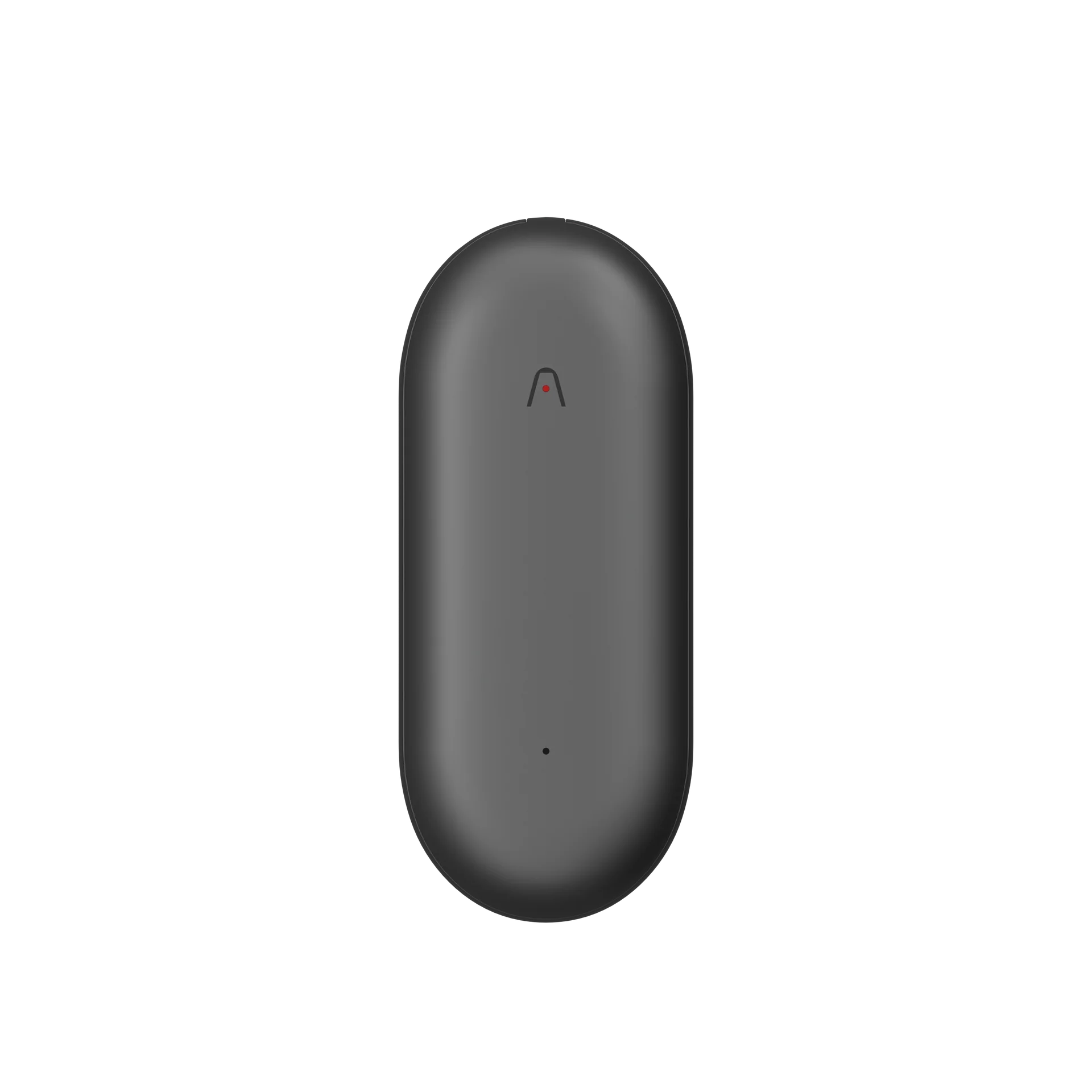
Start recording notes: Slide the record switch down to Notes Recording Mode.
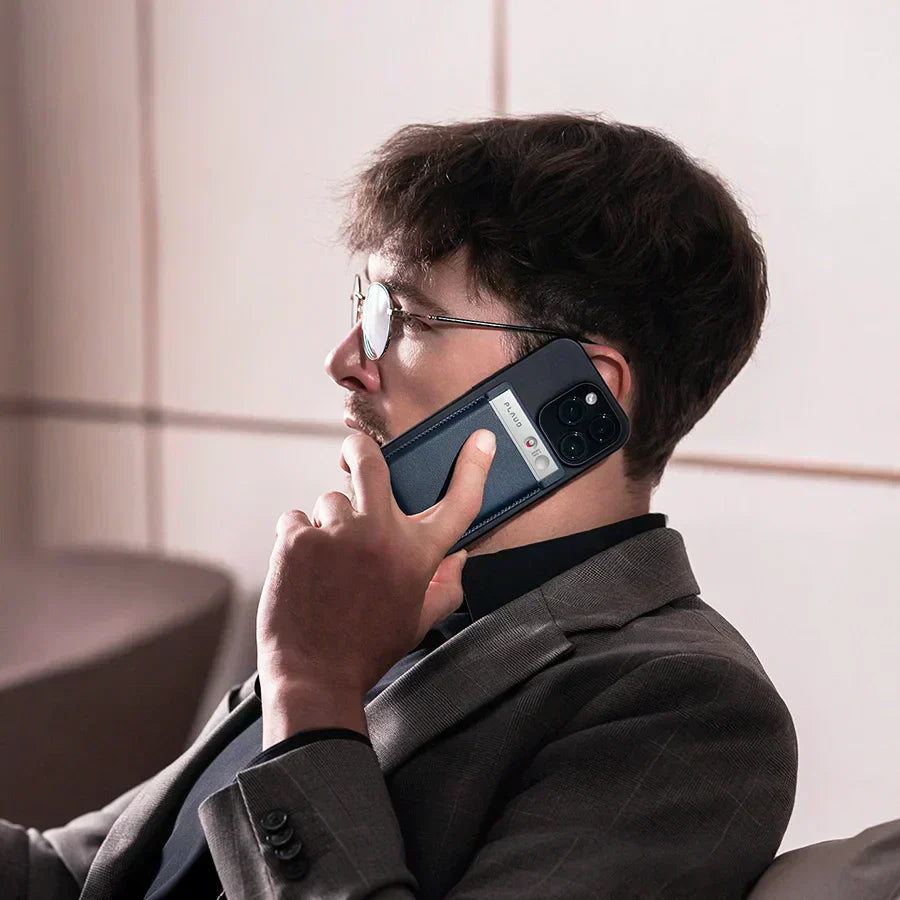
Record phone calls: Slide the record switch up to Call Recording Mode.
Start recording: Press the center of the device—one vibration means recording has started.
Stop recording: Press the center again—two vibrations mean recording has stopped.
After recording ends, open the Plaud app to view your audio files.
Tap any line of the transcript to jump directly to the corresponding audio segment.
To learn more about AI features and advanced usage, click below to visit the Plaud Intelligence page.

Never miss a meeting

No meeting bots

Highlight key moments

Fast Shipping
Ship out within 3-5 business days
Free 30-Day Return
No reason needed. Free return shipping & full refund.
One-Year Warranty
Warranty period subject to local laws
Lifetime Customer Support
Quick support within 24 hours on working days
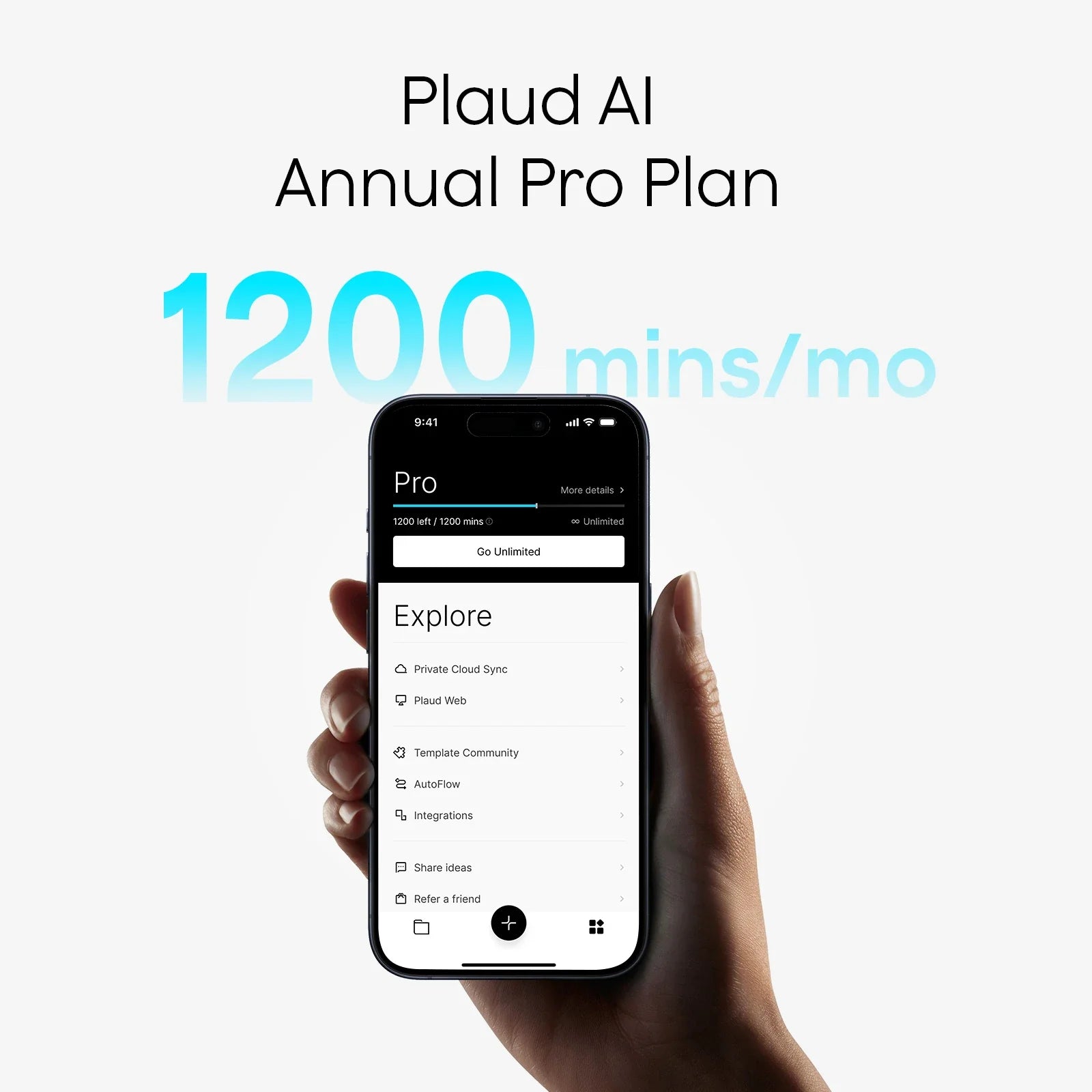
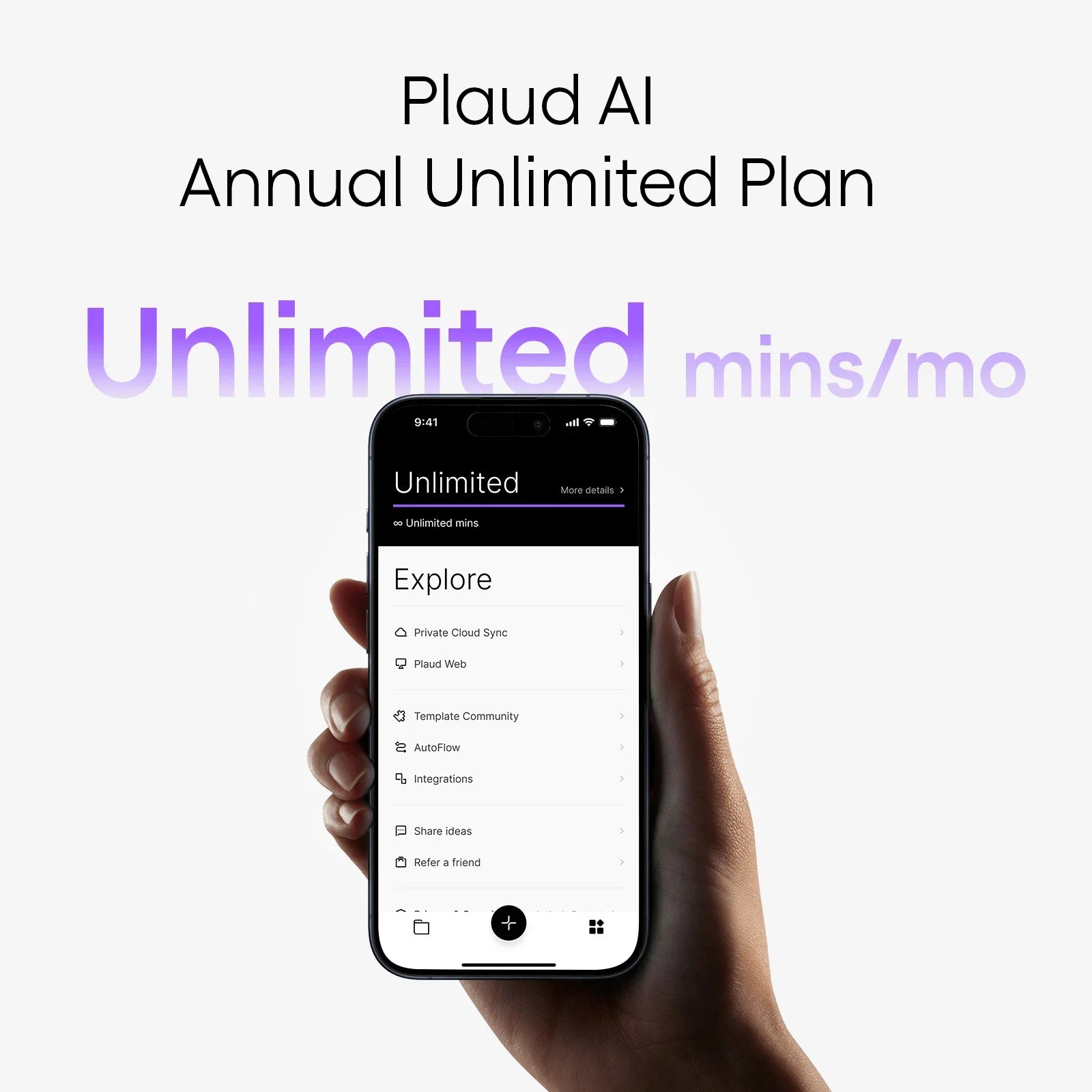
Unlimited AI transcription
1,200 mins/mo AI transcription
Example product title
Search Plaud.ai Site
Trending Search