Plaud User Guide


without a meeting bot
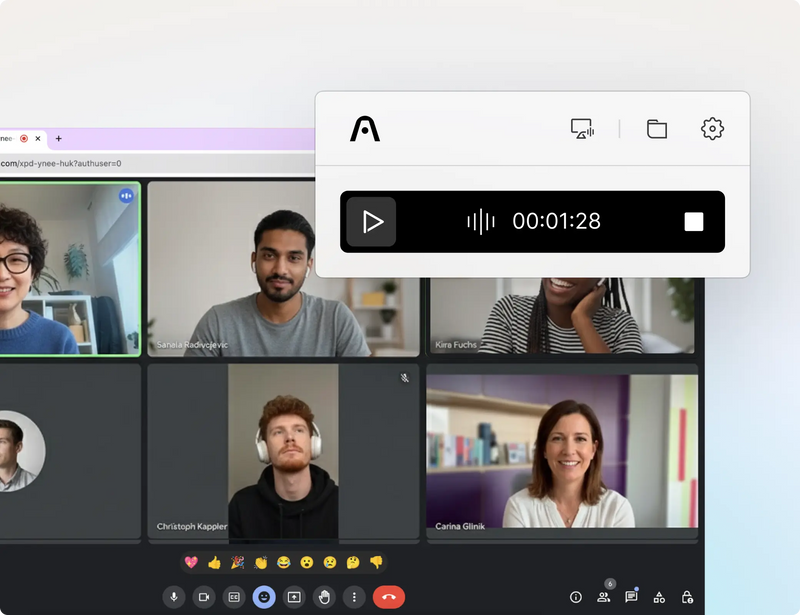
Never miss a meeting
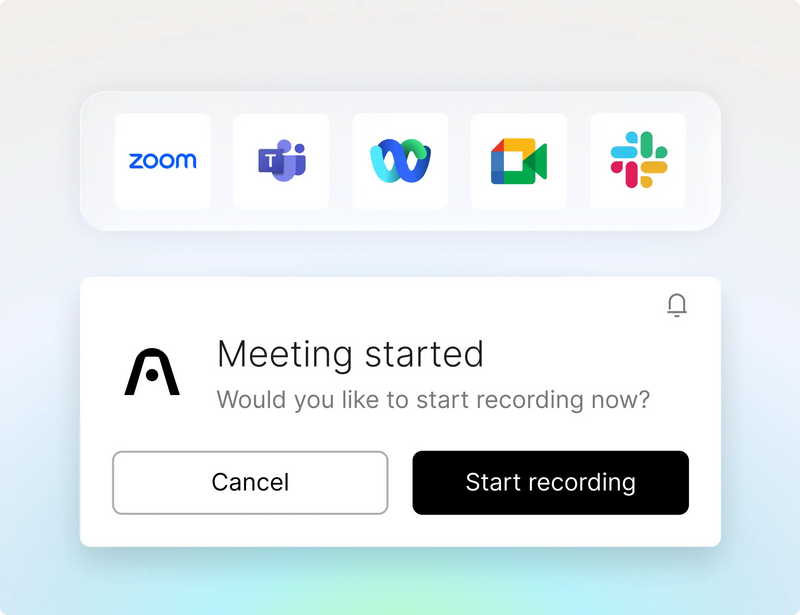
No meeting bots
it captures ambiently from your desktop.
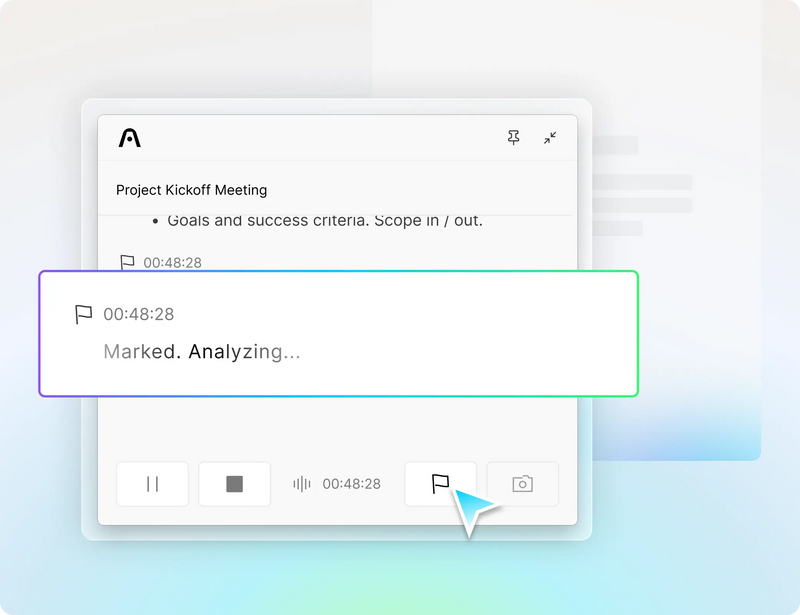
Highlight key moments
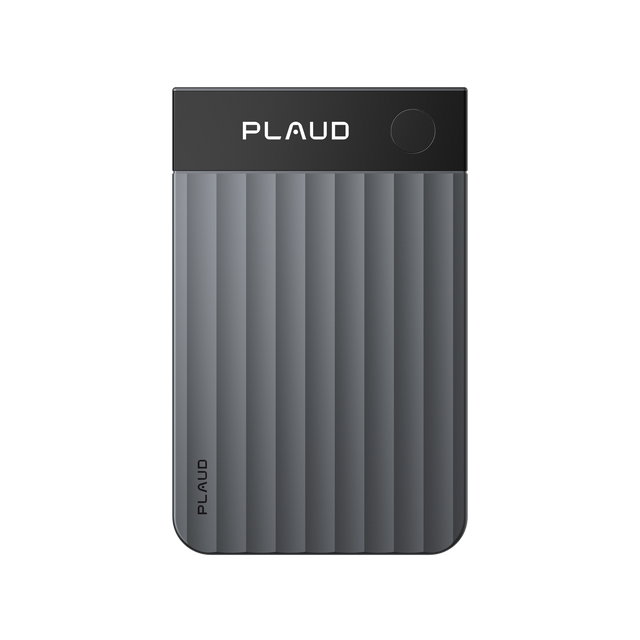
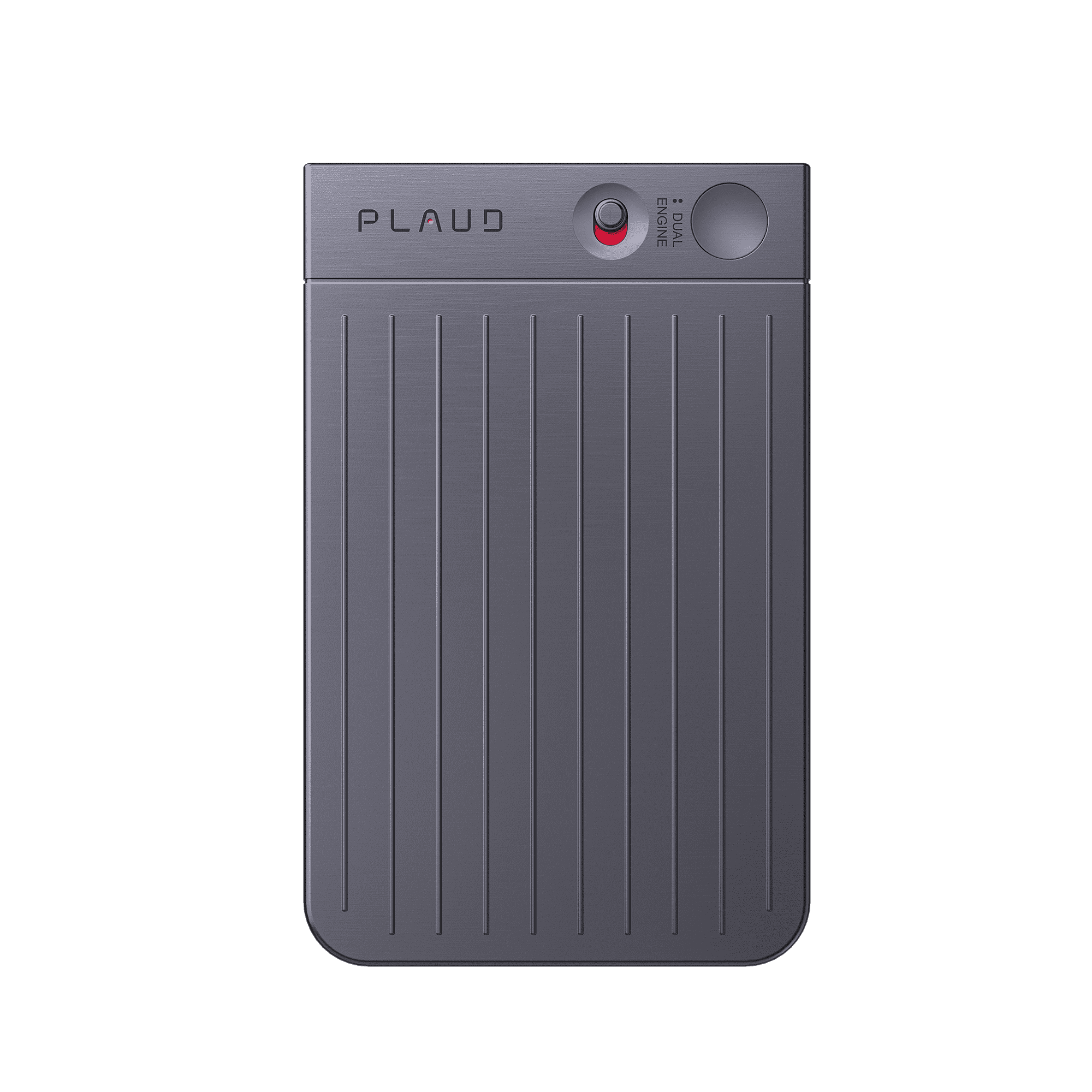
Nota Plaud Pro
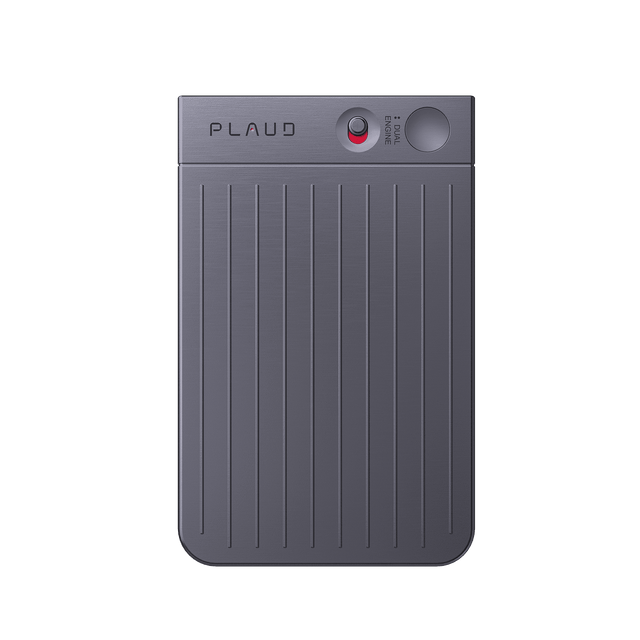
Nota Plaud
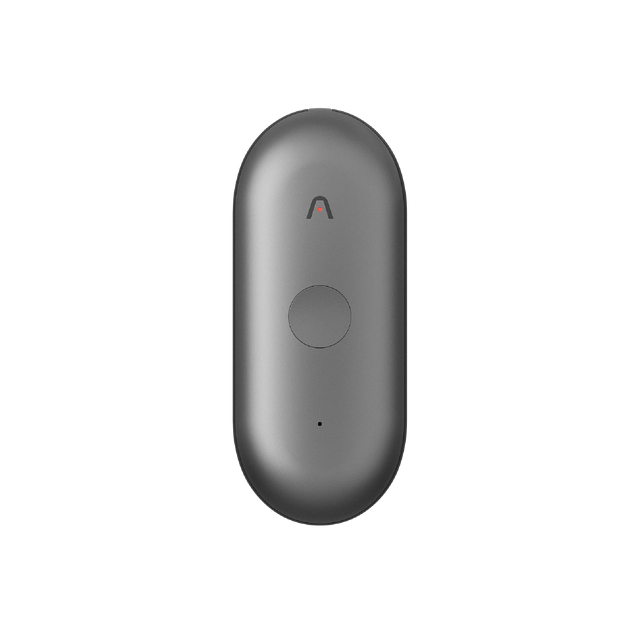
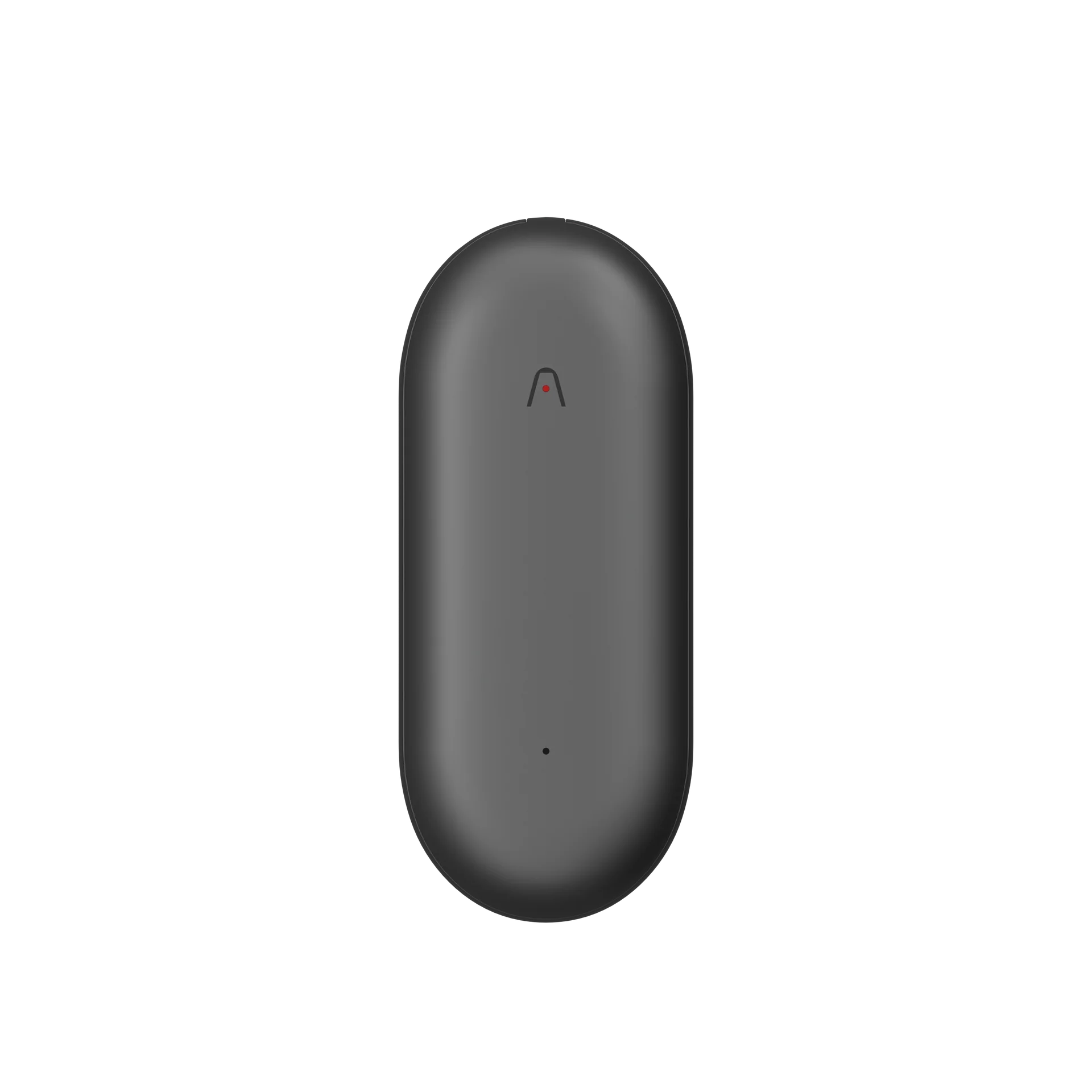
Nota PlaudPin S
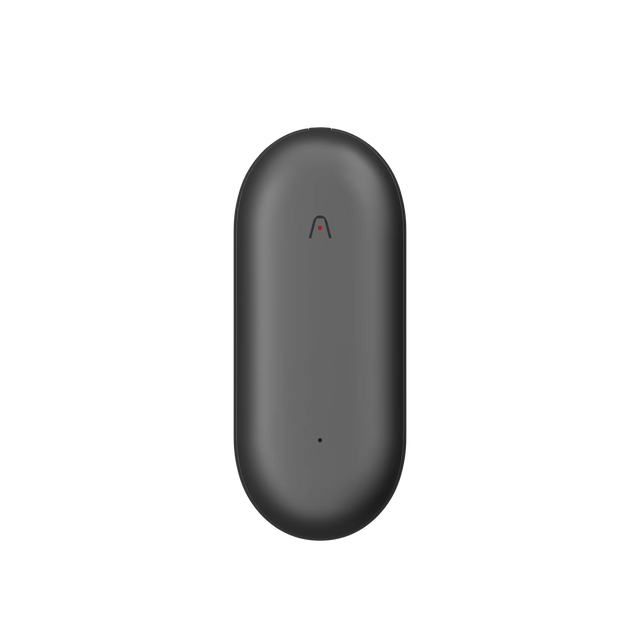
Nota PlaudPin
Audio pickup range
Up to 5 meters / 16.4 feet
Up to 3 meters / 9.8 feet
Up to 3 meters / 9.8 feet
Up to 3 meters / 9.8 feet
Number of microphones
4 MEMS, 1 VPU
2 MEMS, 1 VPU
2 MEMS
2 MEMS
Record button
Physical tactile button
Physical tactile button
Physical tactile button
Pressure-sensitive button
Press to highlight
Available
Available
Available
--
Recording modes
Smart dual-mode recording: Automatically switch between calls & meetings
Dual-mode recording: Switch between phone calls & meetings
In-person
In-person
Display
InstantView display with AMOLED technology
--
--
--
Battery life
500mAh Enhance mode: Up to 30 hours of continuous recording, 60 standby days Endurance mode: Up to 50 hours of continuous recording, 60 standby days
400mAh Up to 30 hours continuous recording, 60 days standby
270mAh Up to 20 hours continuous recording, 40 days standby
270mAh Up to 20 hours continuous recording, 40 days standby
Internal storage
64GB
64GB
64GB
64GB
Apple Find My
--
--
Available
Available
File transfer options
Bluetooth (BLE 5.4) Dual-band Wi-Fi (2.4GHz & 5GHz)
Bluetooth (BLE 5.2) Wi-Fi (2.4GHz)
Bluetooth (BLE 5.2) Wi-Fi (2.4GHz) Upload to cloud while charging
Bluetooth (BLE 5.2) Wi-Fi (2.4GHz) Upload to cloud while charging
Carrying options
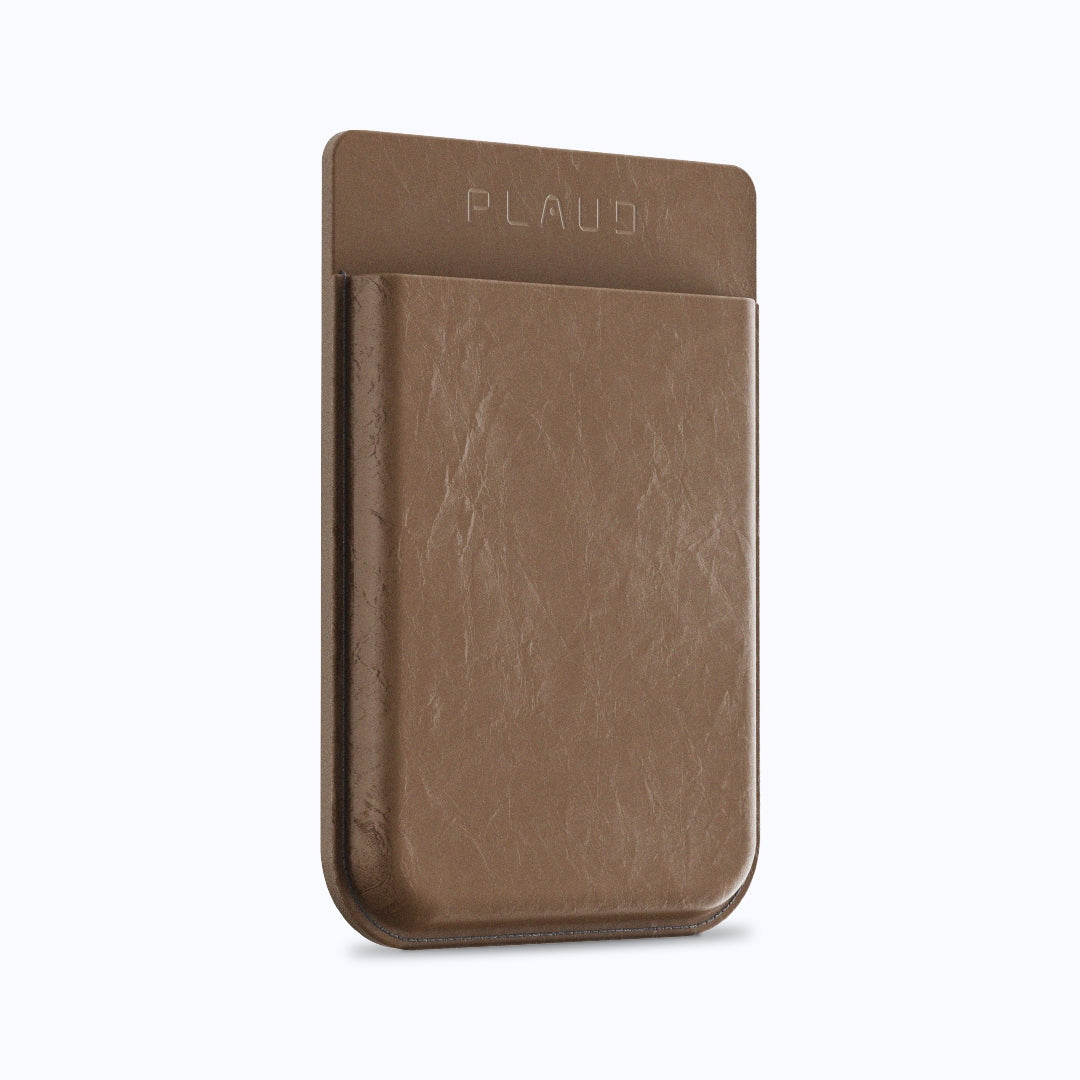
Attach to your phone with a magnetic case, or carry it standalone
Attach to your phone with a magnetic case, or carry it standalone
Wearable with a magnetic pin, clip, lanyard, or wristband
Wearable with a magnetic pin, clip, lanyard, or wristband
Weight
30g / 1.06oz
30g / 1.06oz
17.6g / 0.62oz (Without magnetic pin)
16.6g / 0.59oz (Without magnetic pin)
Dimensions
85.6 x 54.1 x 2.99 mm / 3.37″ x 2.13″ x 0.12″
85.6 x 54.1 x 2.99 mm / 3.37″ x 2.13″ x 0.12″
51 x 21 x 11 mm / 2.01″ x 0.83″ x 0.43″
51 x 21 x 11 mm / 2.01″ x 0.83″ x 0.43″
Device materials
Aluminum alloy & Corning Gorilla Glass
Aluminum alloy
Aluminum alloy & Polycarbonate
Aluminum alloy & Polycarbonate
Accessories included
Magnetic case, magnetic ring, and charging cable
Magnetic case, magnetic ring, and charging cable
Magnetic pin, clip, wristband, lanyard, charging dock, and cable
Magnetic pin, clip, charging dock and cable