Skip to content
image_bg
The world's No.1 AI note-taking brand.
image_bg
Sign up today and get $10 SGD instantly!
Manage your templates better with My Workspace and Custom Templates, now private by default

Manage your templates better with My Workspace and Custom Templates, now private by default

We’re making it easier to manage your workflow. Starting today, you have a focused workspace for your templates and a faster and more private way to create new templates

Summary Templates are at the heart of how you use Plaud. Whether you are documenting a daily standup or a board meeting, having the right structure ready makes all the difference. As you collect more templates for different scenarios, keeping them organized—and private—becomes just as important as using them.

That’s why we are rolling out two updates to give you more focus and control: My Workspace and Custom Templates that start private by default.

My Workspace: Your templates, organized your way

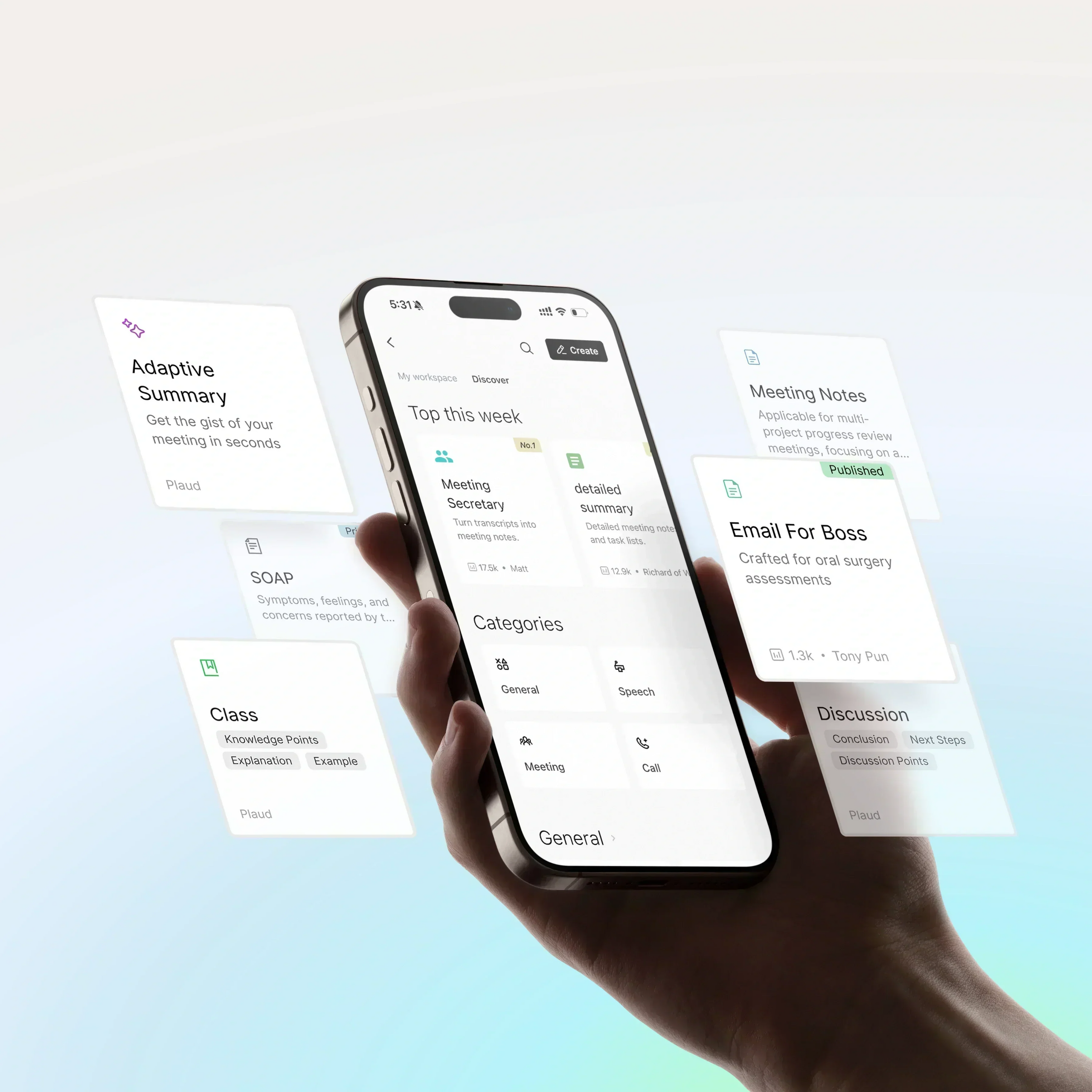
As your template library grows, it shouldn’t get harder to find what you need. My Workspace now keeps your templates organized in one place—so you can quickly jump back to Recently Used, pin Favorites, access My Templates, and see My Contributions at a glance.

My Workspace in Plaud Templates, showing Recently Used, Favorites, My Templates, and My Contributions

My Workspace brings everything you use personally into one clean view, separate from the "Discover" tab. It automatically organizes your templates into four modules:

Four My Workspace sections: Recently Used, Favorites, My Templates, and My Contributions
  • Recently Used: Jump back into your active workflows.
  • Favorites: Keep your most essential templates pinned.
  • My Templates: Access the templates you’ve built yourself.
  • My Contributions: See what you’ve shared with the community.

Now, when you open the template community, you see your own workspace firstso you can start summarizing in seconds.

Custom Templates are now private by default

We’ve updated how custom templates work so you have more control over your workflows and data. Now, every new custom template is private by default—visible only to you unless you choose to share it.

Custom template creation screen showing templates are private by default unless you choose to share

When you build a new template, it stays yours. It is visible only to you unless you decide otherwise. This gives you the flexibility to:

  • Keep workflows confidential: Create templates for sensitive projects without worrying about them appearing in the public library.
  • Use them immediately: Because they are private, you don't need to wait for a review process. You can apply your new template to a recording the moment you save it.
  • Publish only when you choose to: Sharing is now completely optional. You decide if and when to submit your template to the community, giving you full control over what you share.
Try it today

These changes are designed to fit the way you work—giving you a cleaner space to organize your thoughts and complete ownership of your template workspace. The updates are available now on the latest version of Plaud App and Plaud Web.

Explore Plaud AI note taker

Plaud Note Pro

Plaud Note Pro

$189.00

Plaud Note - Professional AI note-taker

Plaud Note

$159.00

Plaud NotePin S

Plaud NotePin S

$179.00

Plaud NotePin

Plaud NotePin

$159.00

Featured Blog Posts & Updates
Plaud at SuperAI 2026: Where Human Intent Meets AI

Plaud at SuperAI 2026: Where Human Intent Meets AI

At SuperAI 2026 — Asia's largest AI event — Plaud branded the main stage as a Diamond Partner, with Co-Founder and CEO Nathan Xu delivering a keynote on the missing piece in today's AI landscape: lossless context and human intent.

Read more
Plaud Scales From $1M to $100M ARR Within Two Years, Bringing AI Beyond the Screen for Professionals

Plaud Scales From $1M to $100M ARR Within Two Years, Bringing AI Beyond the Screen for Professionals

Read more
clear and reliable audio recording on iphone

How to record audio on iPhone: 5 simple methods

The five ways to record audio on iPhone, from the free Voice Memos app to call recording, screen recording, and a dedicated recorder, with guidance on which method fits calls, meetings, and interviews, how to get clearer sound, what consent laws require, and how to transcribe and share recordings.

Read more
Skip to content