Time blocking is a useful productivity strategy. But for many professionals, especially in dynamic roles, a simple, rigid calendar doesn't work.
We've all been there. You start your morning with a perfectly planned schedule. Before you can even get to your first big task, a wave of urgent emails, new assignments, and client calls has completely derailed your day. That rigid plan is now useless.
To fix this, we need to redefine what time blocking means for a dynamic role. This guide will walk you through that new approach. We'll start by defining what that system looks like, cover the key features that actually matter, and then review the best apps I've found for different scenarios, from team-heavy work to personal projects.
What is time blocking?
Time blocking is a productivity method where you schedule specific blocks of time for particular tasks in your calendar.
For modern professionals, this standard, rigid method often fails. Our work isn't static. It's a constant stream of meetings, urgent messages, and shifting priorities. This leads directly to "context-switching fatigue," a core problem that a simple, rigid calendar cannot solve.
Because of this, we need a dynamic process for managing daily work, not a static plan. To make this dynamic process effective, we need a stack of specialized tools. This workflow typically requires three components:
- Plan: Your main system for managing long-term projects and timelines.
- Capture: A simple inbox for quickly noting down new tasks as they appear.
- Process: The daily tool you use to pull tasks from other systems onto your schedule.
What features make a great time-blocking app?
The best apps aren't all-in-one solutions. In my experience, those often become heavy or chaotic. Instead, the best tools focus on a few key criteria.
1. A reliable calendar sync
This is the critical link that holds your whole system together. It is also the number one failure point. Real user reports show that a broken sync is a huge problem. For example, when Todoist changed its Google Calendar sync, it ruined users' shared calendars and broke their workflows. A bad sync can also fill your calendar with hundreds of tiny tasks that don't belong there.
2. A fast capture workflow
You need a simple way to get tasks out of your head. This is your main inbox. The tool must be fast and easy, so you can add a task in seconds and get back to your work.
3. A clear planning view
It's the tool you use each morning to look at all your tasks and drag them onto your calendar for today. It must be clean, simple, and satisfying to use.
Best time blocking apps - listing for personal life and work
You know what to look for. But the best app depends entirely on your needs. A solo student's needs are different from a busy manager's. Let's break down the best tools by what you need to manage. We'll start with the apps that help you fight distraction and get deep work done.
Best time blocking app for deep work - focus-driven work day
This scenario is for when you have a predictable schedule and many tasks that require uninterrupted focus.
Todoist

Todoist is often used for recurring time blocks in task management.
Pros: Users agree it has the cleanest and most organized UI. Its best feature is fast capture. You can type "Call mom on Wednesday," and its natural language processing sets the task and date automatically.
Cons: The new Google Calendar sync was a disaster for some power users. It polluted their calendars by forcing all tasks to sync, not just one project. This broke shared workflows and cluttered shared family calendars.
Price: Free, with Pro plans.
Best when: You need the world's best inbox for capturing ideas fast. You treat it as the start of your system, not an all-in-one planner.
TickTick

TickTick is often mentioned alongside Todoist for its time-blocking capabilities. It's useful if you are a knowledge worker with many tasks and you want to slot them into your calendar.
Pros: The main complaint is that the UI feels cluttered and overcrowded. Also, users are very frustrated that you still cannot schedule your habits directly in the calendar view, which feels like a half-baked feature.
Cons: The natural language processing (NLP) for setting times is weak. If I type "meeting at 3:30," the app often misreads the time, forcing me to set it by hand. Also, the very useful desktop widget is a paid feature, and the app is subscription-based.
Price: Free, with Premium plans.
Best when: You are a student or solo professional on a budget who wants one app to do everything, and you don't mind a busy interface.
Best time blocking app for team - meeting-heavy, calendar-integrated work
This scenario is for when your day is full of meetings, you coordinate with a team, and you need deep calendar integration.
Sunsama

Sunsama is designed to help you plan your day by dragging tasks into calendar blocks.
Pros: It forces you into a daily planning and daily shutdown ritual. This mindful process helps users stop being reactive and start being intentional. It's also praised for helping users with ADHD fight time blindness.
Cons: The price is the biggest issue. Users call it insane and wildly high. The second huge complaint is that the mobile app is embarrassingly bad and unreliable.
Price: Subscription-based.
Best when: You feel overwhelmed every morning, you pull tasks from many places (like Todoist or Asana), and you need a calm, guided ritual to plan your day.
Clockwise

Broader reviews often highlight Clockwise as best for teams. This fits a key need identified by many: strong, bidirectional calendar sync.
Pros: This app is not for your personal tasks. It's a team tool that automatically moves your internal meetings to create longer, protected blocks of focus time for everyone.
Cons: Some users report that Clockwise creates a focus time block, but coworkers still schedule meetings right over it. It can't fix a bad company culture that doesn't respect deep work.
Price: Free, with paid plans.
Best when: You are a manager or team member whose biggest problem is having your day cut into pieces by other people's meetings.
Best time blocking app for a balanced life
This scenario is for blocking time not just for work, but also for side projects, exercise, hobbies, and family.
Google Calendar

For many, a simple calendar is enough. If it’s something important, many just set the time on Google Calendar.
Pros: It's free, simple, and everyone has it. You can create different calendars (like Work, Personal, and Family) and see your whole life at a glance.
Cons: Using it for serious time blocking is painful. If a meeting runs late, you have to manually push every other block in your day. And you have to manually copy blocks to multiple calendars to stop coworkers from booking over their personal time.
Price: Free.
Best when: You want a simple, visual way to wall off Work time from Personal time and don't need to manage a lot of small, changing tasks.
Summary table of scenarios
|
Scenario |
Recommended apps |
Why |
|
Deep work / solo professional |
Todoist, TickTick |
Task-and-block integration |
|
Team / many meetings/calendar heavy |
Sunsama, Clockwise |
Strong calendar sync, drag-drop scheduling |
|
Personal life/side projects |
Todoist, TickTick, Google Calendar |
Flexible, simple, supports personal blocks |
Now you have the software stack figured out. But even the best apps fail if you miss key information. You need a reliable way to capture those urgent, unscheduled ideas before they are lost forever.
Hardware to support your time-blocked sessions
A key part of time blocking is effectively handling new information. A major challenge in the "Plan, Capture, Process" workflow is the "Capture" step.
Your digital "Capture" inbox is great for tasks you can stop and type. But what about the most critical tasks? The ones from sudden, unplanned events?
You might be in an unplanned hallway conversation with an executive. Or you might be looking at a whiteboard full of ideas after a meeting. You cannot stop typing everything. The task is forgotten, and your system fails.
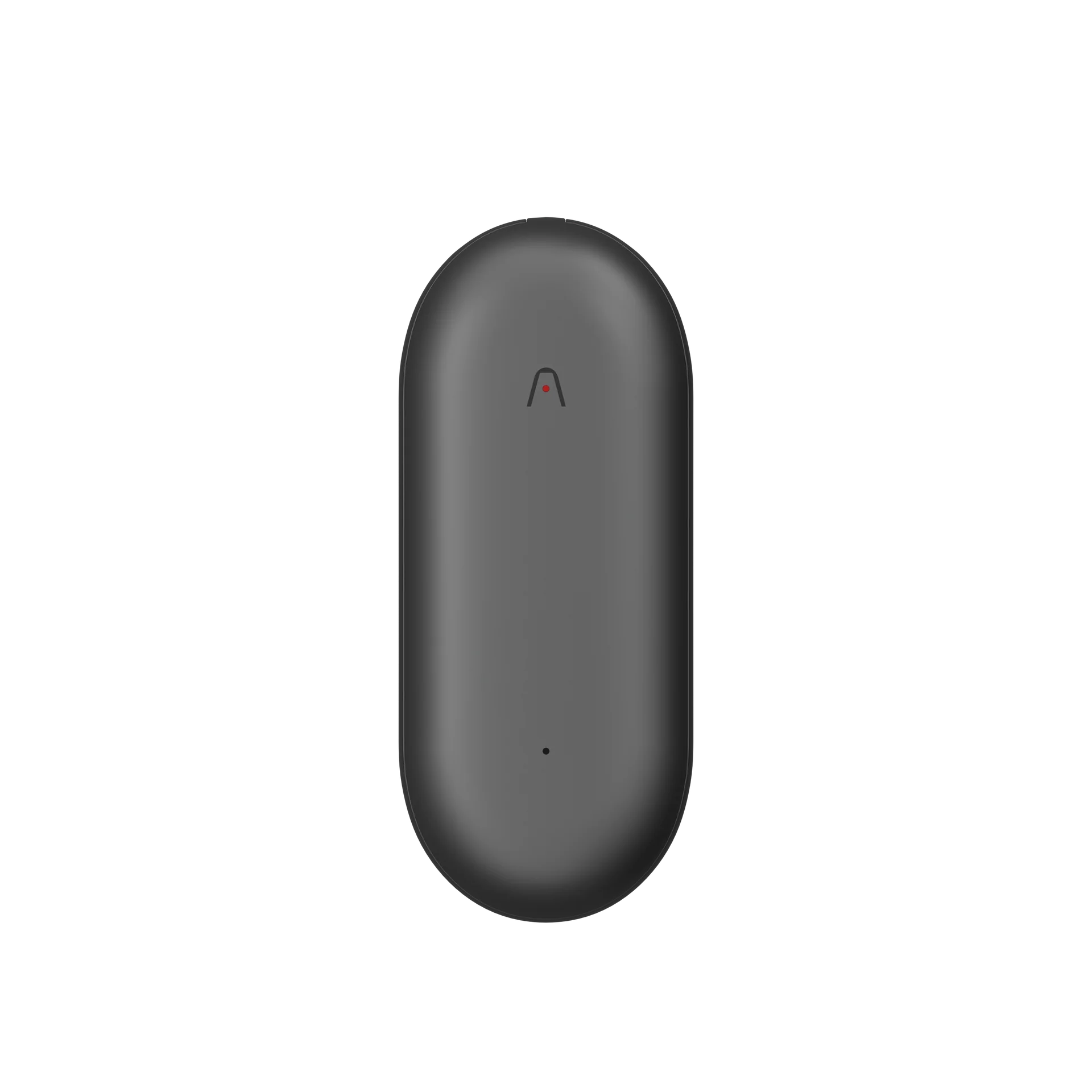
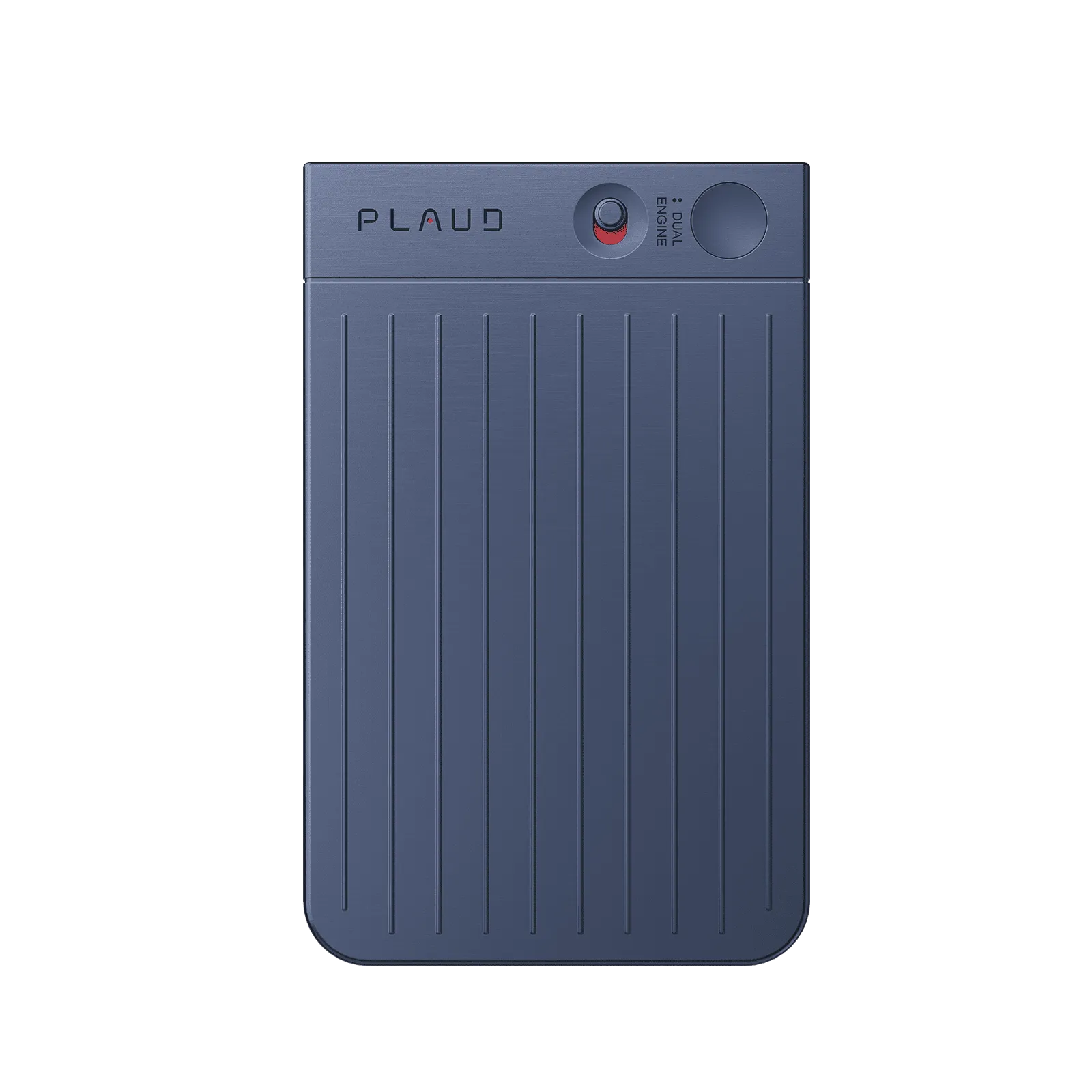
A dedicated capture device like Plaud Note Pro helps close this gap. It is a card-sized AI note taker.

- For sudden conversations: During that hallway talk, you can use the one-press Highlight feature. This instantly marks the key action item or decision in the recording.

- For visual notes, you can use
the whiteboard’s multimodal input. You snap a photo, and Plaud Note Pro automatically attaches the audio being recorded at that exact moment as a note for that image.

Later, when you sit down to "Process" your day, you do not have a blank memory. You have a clean, transcribed list of these random (but important) action items, with photo context, ready to be dragged onto your calendar. It ensures valuable, unplanned events are captured and scheduled, not forgotten.
How to choose the right time blocking app for you
Here’s a simple decision guide.
Step 1: Clarify your use case
Are you a solo user or part of a team? Do you have many meetings, or mostly deep work blocks? What's your main platform (Web, mobile)? Are you trying to build the "Plan, Capture, Process" stack?
Step 2: Match features to your needs
If you need to block time on a calendar, a simple tool is fine. If you are juggling tasks, projects, and team deadlines, you'll need a more integrated "Process" app.
Step 3: Test for a week or two
Try the app in real conditions. Is it frictionless? Does it help you stay on track? Use the analytics feature to see if your plan matched reality.
Step 4: Resist over-scheduling
Don't pack your day; leave buffer time. Experience shows the need for flexibility.
Step 5: Review regularly
Do a weekly reflection. What blocks were missed? What got done? Optimize for next week.
Conclusion
The core problem for professionals is "context-switching fatigue," not a lack of planning. A better plan won't solve this. A rigid plan is often the source of chaos.
A better process is the solution.
A clear "Plan, Capture, Process" workflow, supported by a new class of apps like Akiflow and Sunsama, gives professionals the daily management system they need. The best time-blocking app isn't one that tries to do everything. It's the one that connects everything.
FAQ
Is time blocking good for ADHD?
Yes, it can be. The AI auto-scheduler Motion has been called a "game-changer" for users with ADHD because it removes the difficulty of deciding what to do next.
Does time blocking really work?
It works if your system is flexible. The old, rigid method often fails. Modern professionals find success by using a "Plan, Capture, Process" stack, which allows them to re-prioritize their day rather than follow a static plan.
What are the disadvantages of time blocking?
The main disadvantage is "context-switching fatigue" if your day is constantly interrupted. Also, "all-in-one" tools can be a disadvantage. The native calendars in apps like ClickUp can be flawed, with filters that hide the most important tasks or have significant sync delays.