Built for work that happens in the room

Turn every conversation in the room into finished work.

Executives

Make better decisions

Capture every discussion, align on the decision, and delegate with a clear record.

Consultants

Capture every context

Every client conversation, decision, and detail captured and connected, so your strategic work always builds on the full picture.

Sales

Close more deals

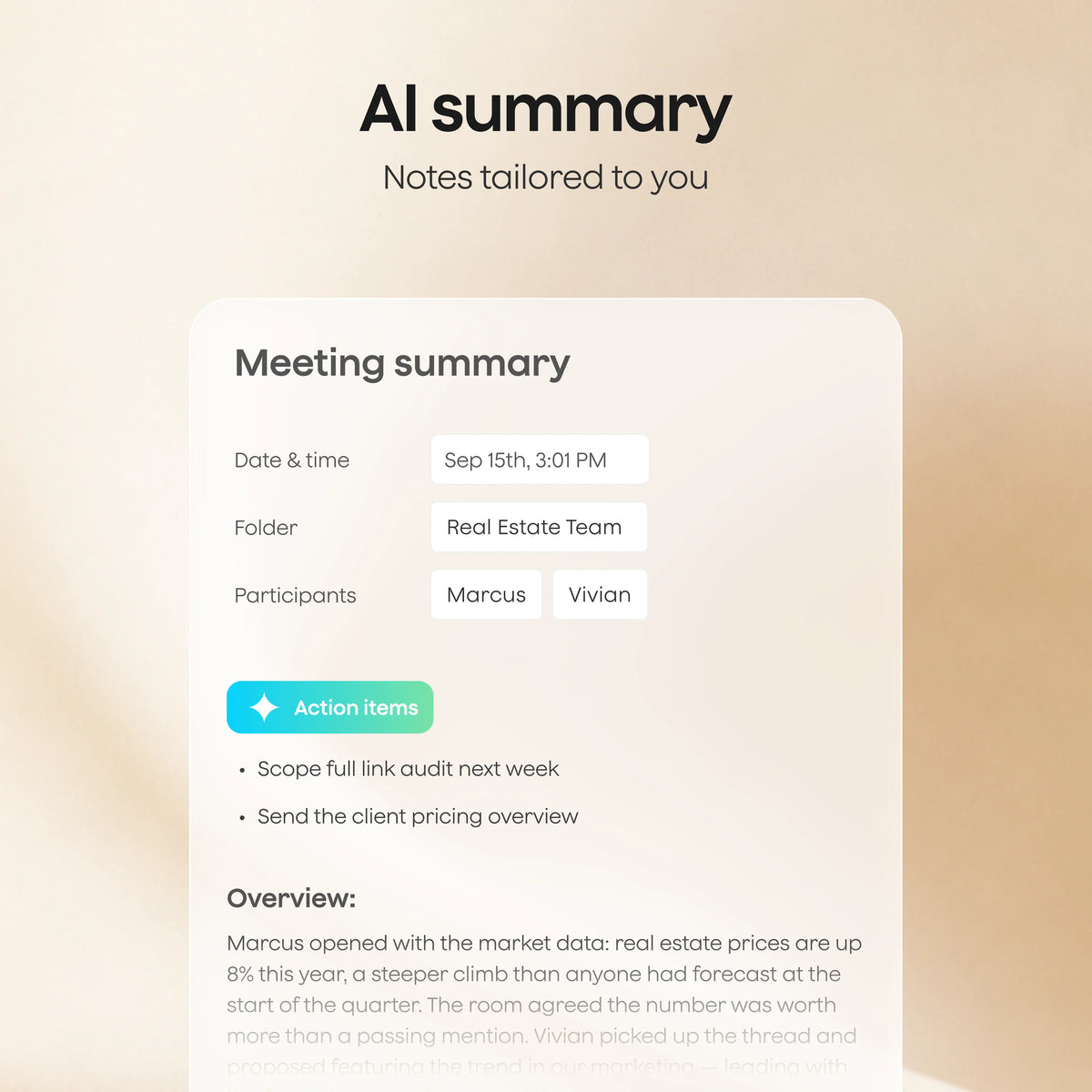
Stay present with prospects while Plaud captures the call and drafts your follow-up.

Project managers

Advice that lands with full context

Every client conversation captured, so your advice always lands with the full history behind it.

Legal professionals

Build a stronger case

Capture every client meeting in accurate, searchable records, so nothing gets lost.

Finance professionals

Clarity in every number

Every earnings call and board discussion captured. Pull up the context behind any figure or forecast, instantly.

Built for professionals who rely on conversations

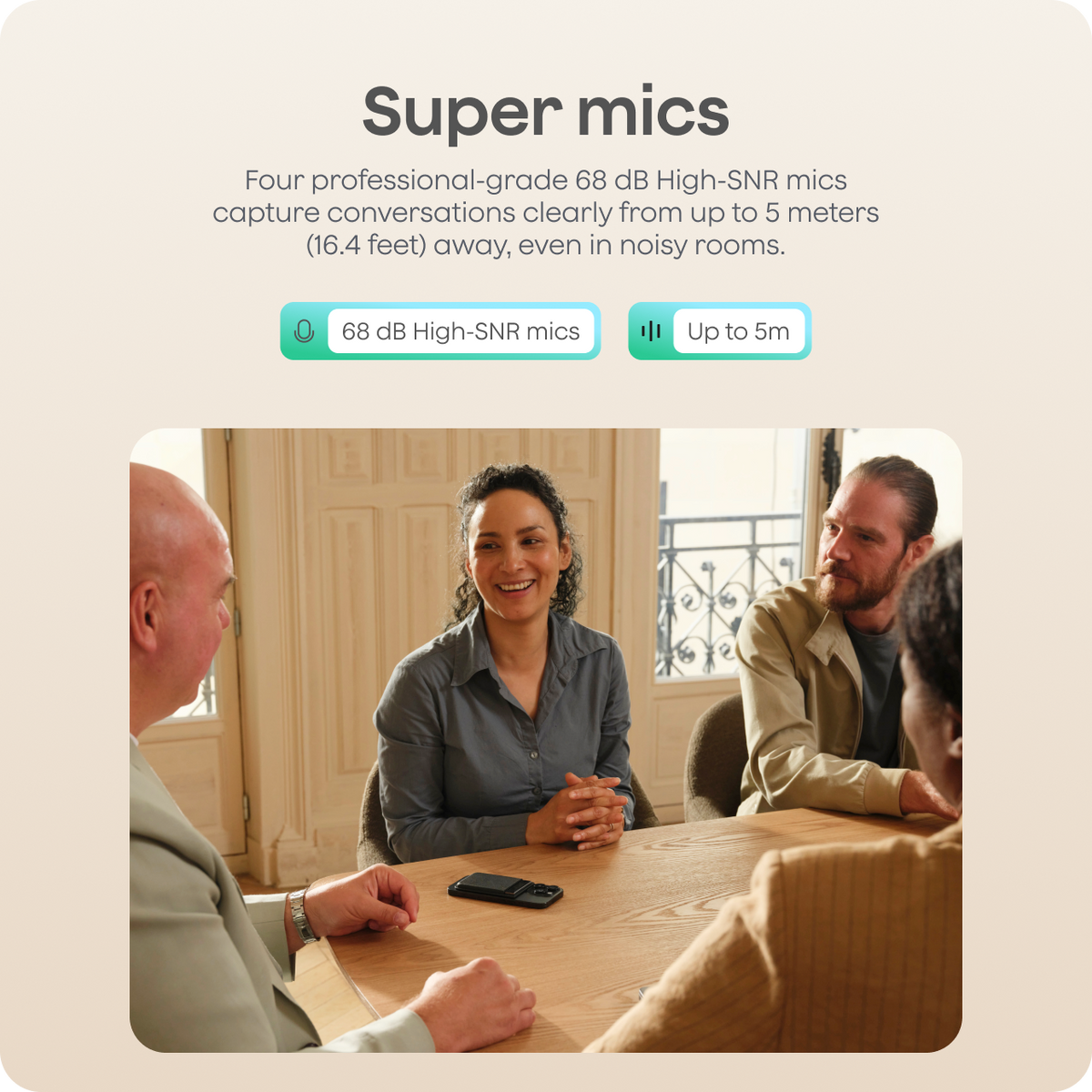
Four professional-grade 68 dB High-SNR mics capture conversations clearly from up to 5m away, even in noisy rooms. ¹

Super Mics

Captured

Every conversation. Wherever it happens.

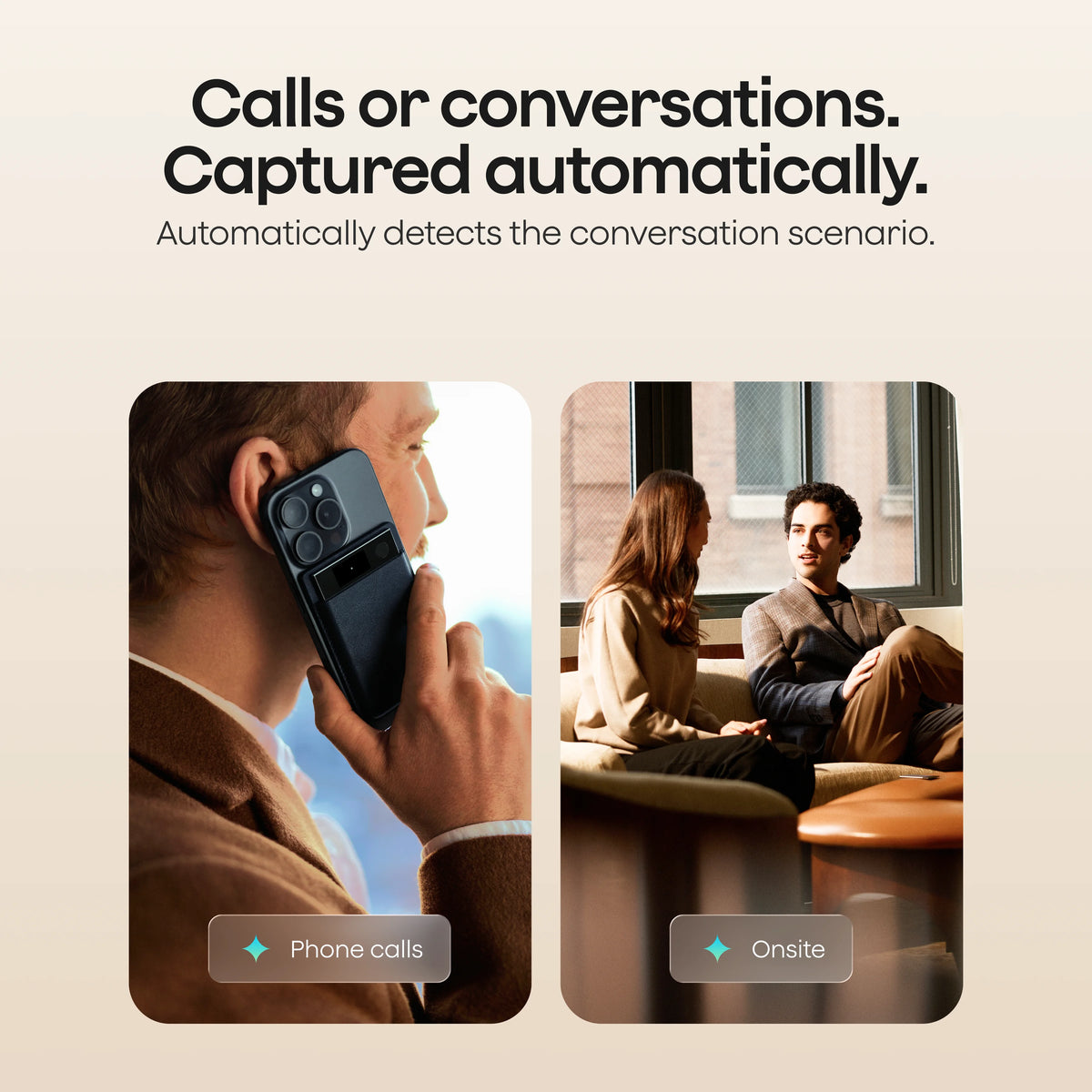
Capture in-person meetings and phone calls, with the free Plaud Desktop for online meetings. Give Plaud Agent the context to act.

  • Capture conversations clearly from up to 5m away with four professional-grade 68 dB Super Mics, even in noisy rooms. ¹

  • Smart dual-mode automatically detects phone calls and in-person conversations, making both easy to capture.

  • Long-press to record and short-press to highlight key moments, then add notes or images for richer context.

  • Capture online meetings with the free Plaud Desktop, without a bot joining the call.

Understood

Full context across every conversation

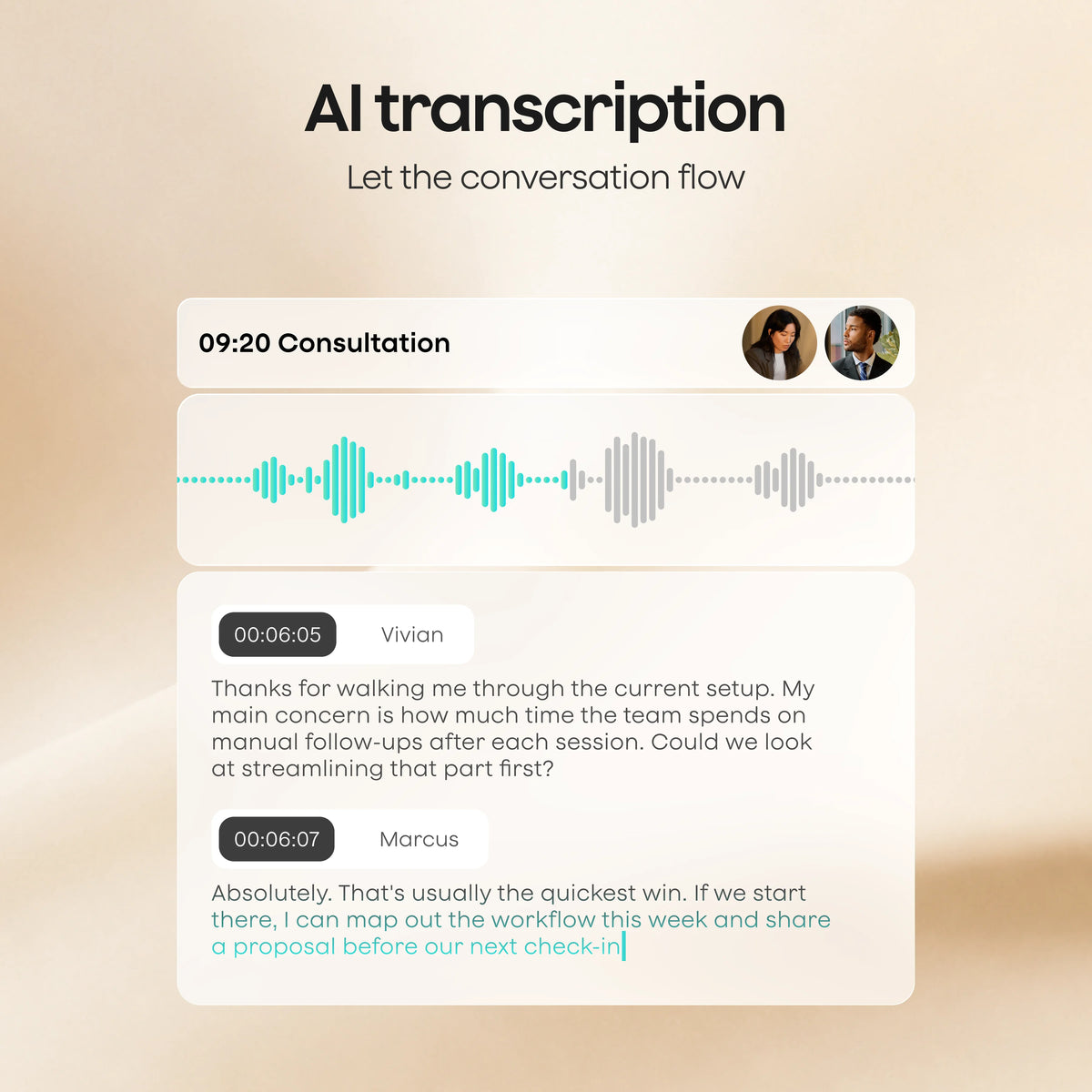
Plaud turns what you capture into clear, structured context - so you know what was said, who said it, and what mattered.

  • Get accurate transcripts in 112+ languages, with every speaker clearly identified.

  • Highlights stay connected to the conversation, so what matters most becomes part of the context.

  • Complete context across your meetings, inbox, calendar, and more. ⁴

  • Plaud learns your role, preferences, and decisions over time, so every response gets sharper without you having to repeat yourself. ⁵

Done

Turn conversations into finished work.

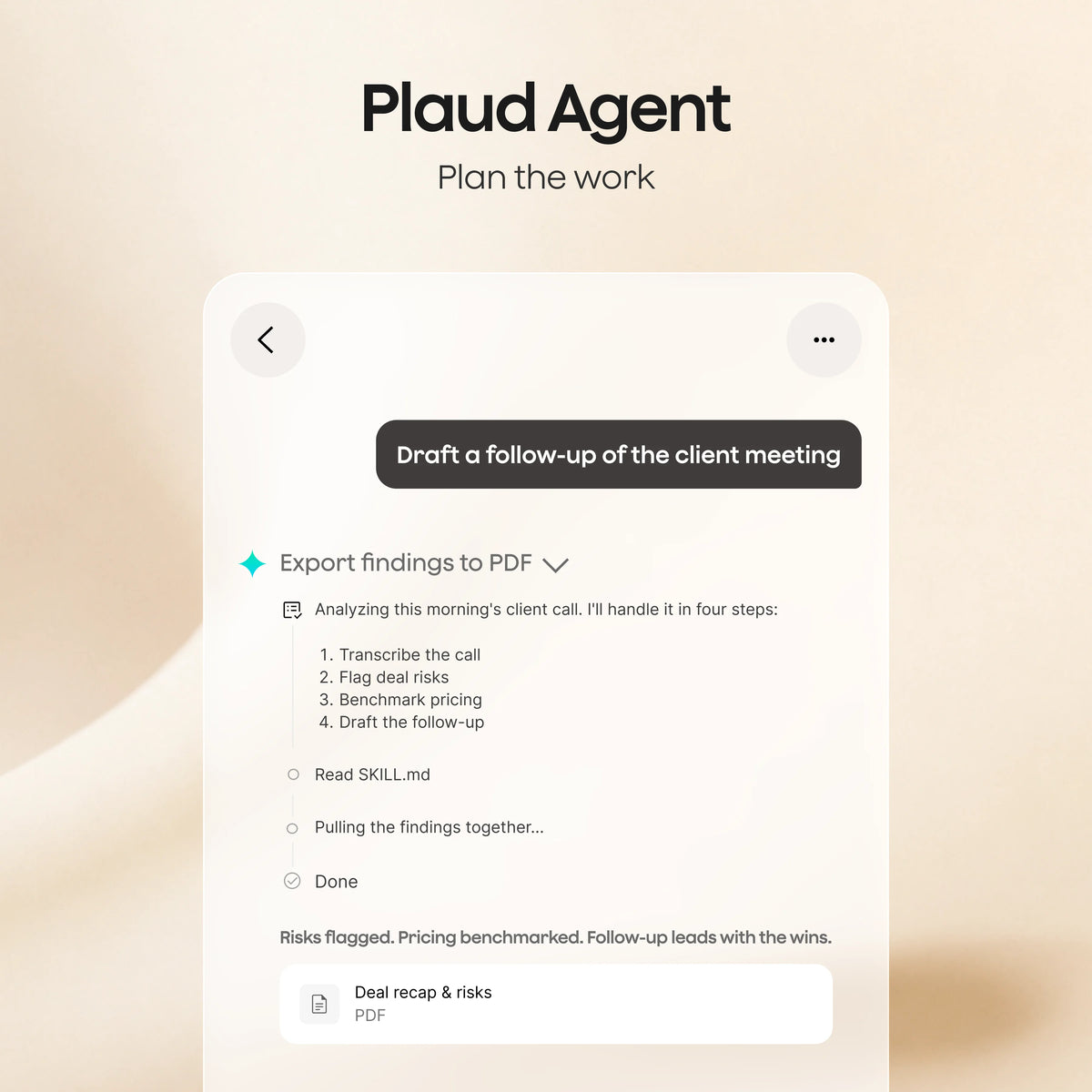
No note-taking. Just the conversation. Research done. Documents drafted. Meetings booked. Plaud Agent works for you 24/7.

Plaud Agent

Understands what you need, plans the steps, and orchestrates the right agents to get it done. ⁵

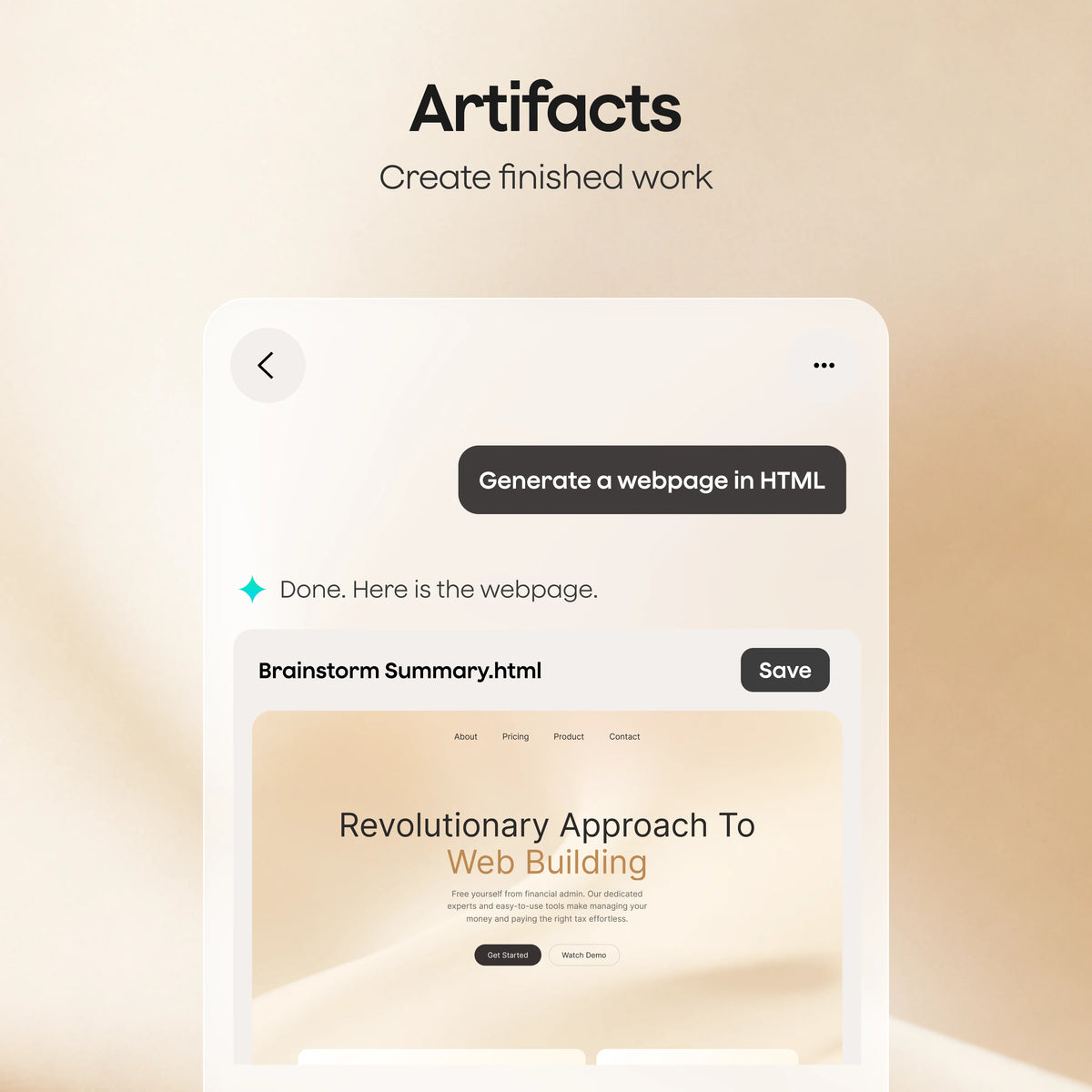
Artifacts

Turn conversations into reports, decks, spreadsheets, HTML pages, and more. View, edit, and export everything in one place. ⁵

Connectors

Connect to Google Calendar, Slack, Notion, Linear, and more so Plaud can work directly across your tools. Zapier support extends your workflow to more third-party apps. ⁴

Skills

Use ready-made workflows for common tasks, customise your own, or discover more in the Skills Community. ⁵

Routines

Schedule research, meeting preparation, project updates, and follow-ups. Set the routine once and let Plaud Agent run it. ⁵

  • Plaud Agent

    Understands what you need, plans the steps, and orchestrates the right agents to get it done. ⁵

  • Artifacts

    Turn conversations into reports, decks, spreadsheets, HTML pages, and more. View, edit, and export everything in one place. ⁵

  • Connectors

    Connect to Google Calendar, Slack, Notion, Linear, and more so Plaud can work directly across your tools. Zapier support extends your workflow to more third-party apps. ⁴

  • Skills

    Use ready-made workflows for common tasks, customise your own, or discover more in the Skills Community. ⁵

  • Routines

    Schedule research, meeting preparation, project updates, and follow-ups. Set the routine once and let Plaud Agent run it. ⁵

Intelligence compounds with use

Every conversation makes the next one smarter.

Plaud Note Pro Flow Edition learns how you work, who you work with, and what matters to you across the Plaud app, web, desktop, and every tool you connect. ⁵

Extend Plaud Intelligence into your AI workflow

Connect Plaud to ChatGPT, Claude, or any MCP-compatible AI tool. Combine your conversation context with your files and data, then get straight to work.

A hand holds a thin silver Plaud AI voice recorder edge-on, surrounded by checkmark labels for ChatGPT, Gemini, and Claude.

Global Security Standards

Private by design. Built to protect your data.6

SOC 2 HIPAA GDPR ISO/IEC 27001

Choose the right Plaud plan

Find the plan that fits your workflow.

Compare plans

Starter

Try Plaud

$0

Free for everyone

Get Starter
  • 300 transcription minutes / month
  • Transcription in 112+ languages
  • AI Summary by frontier AI models
  • Multimedia input
  • Plaud Desktop
  • Plaud Agent

Pro

For everyday productivity

$11.40

Per month, billed annually.

Get Pro

Everything in Starter, plus:

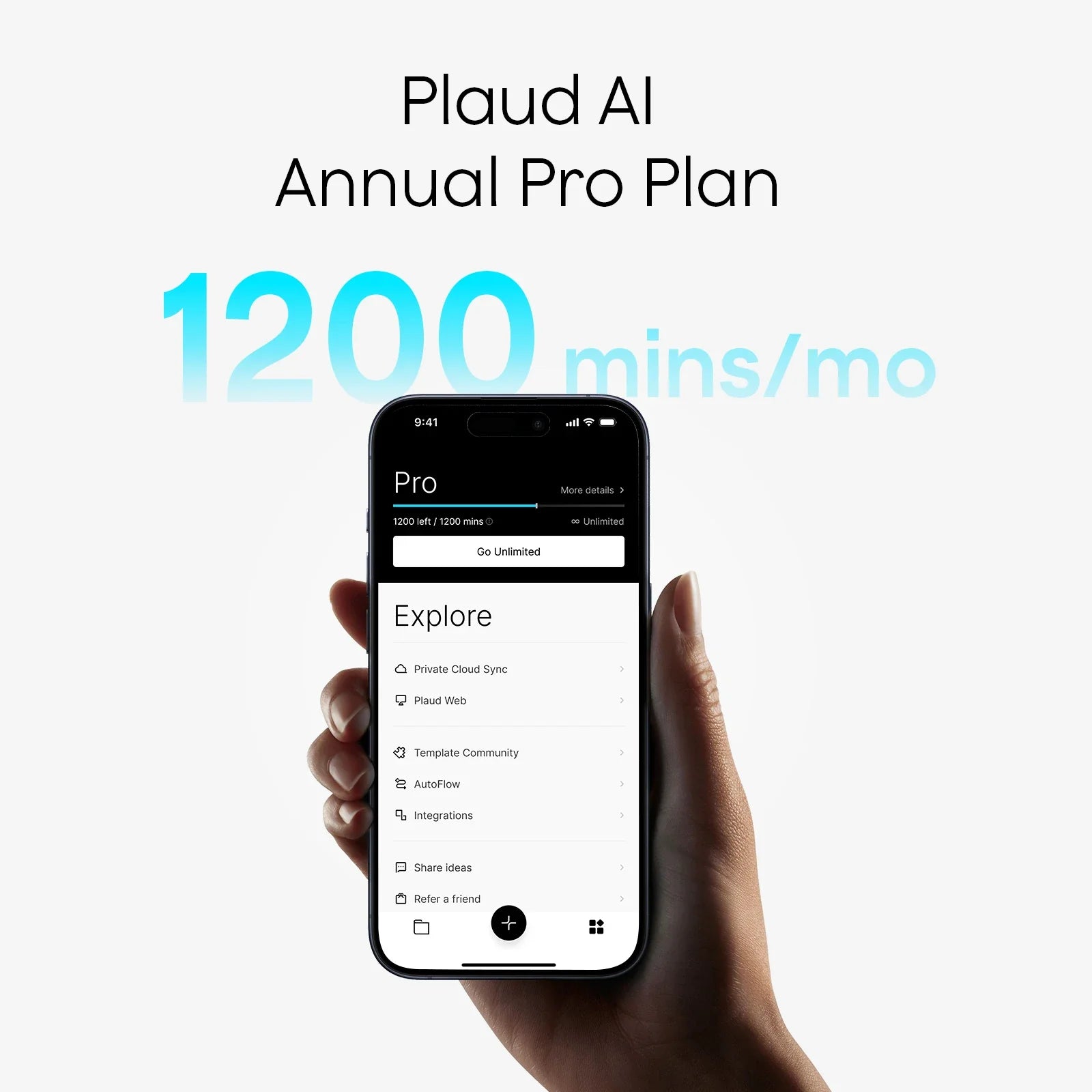
  • 1,200 transcription minutes / month
  • 4× more monthly usage than Starter
  • For professionals streamlining work and communication.

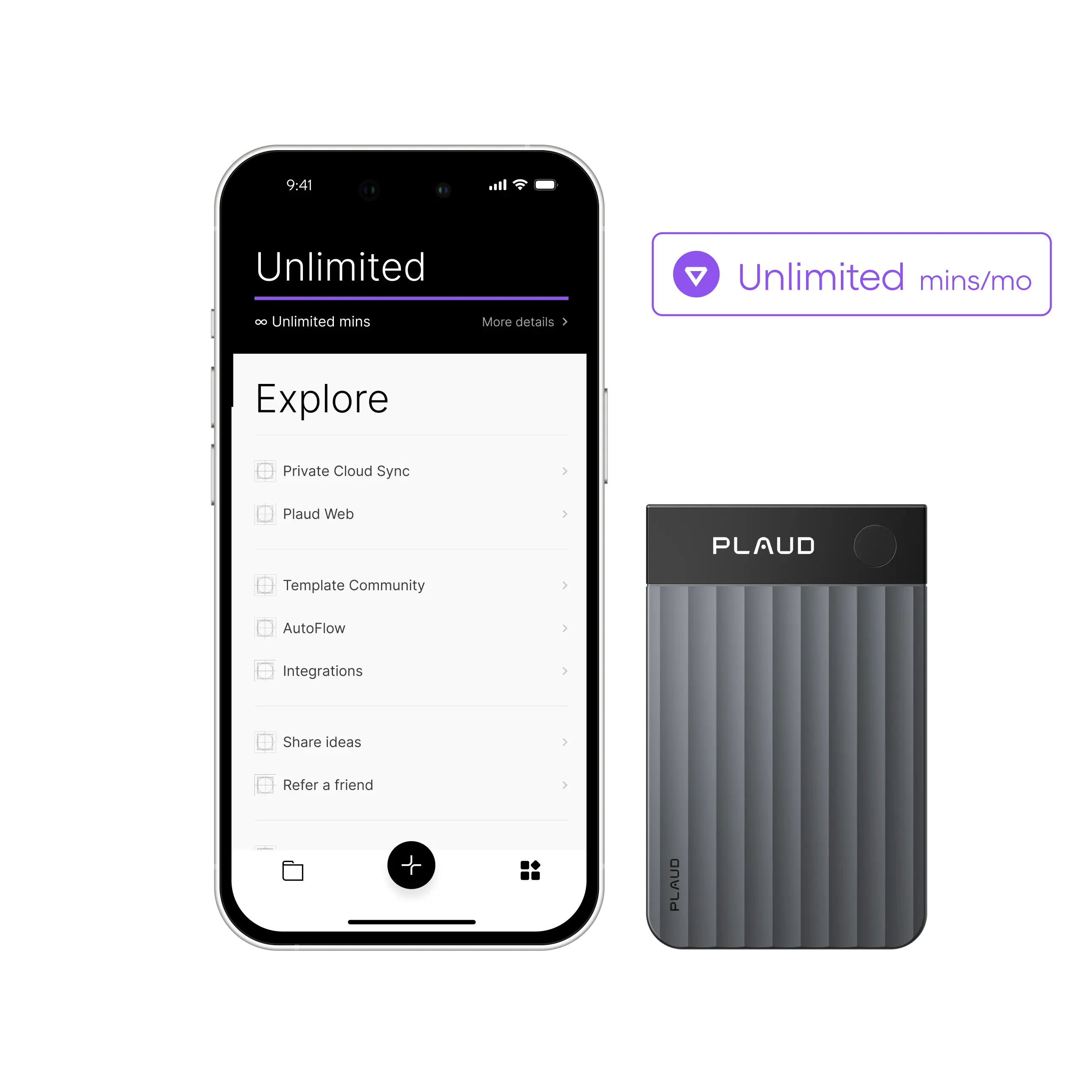
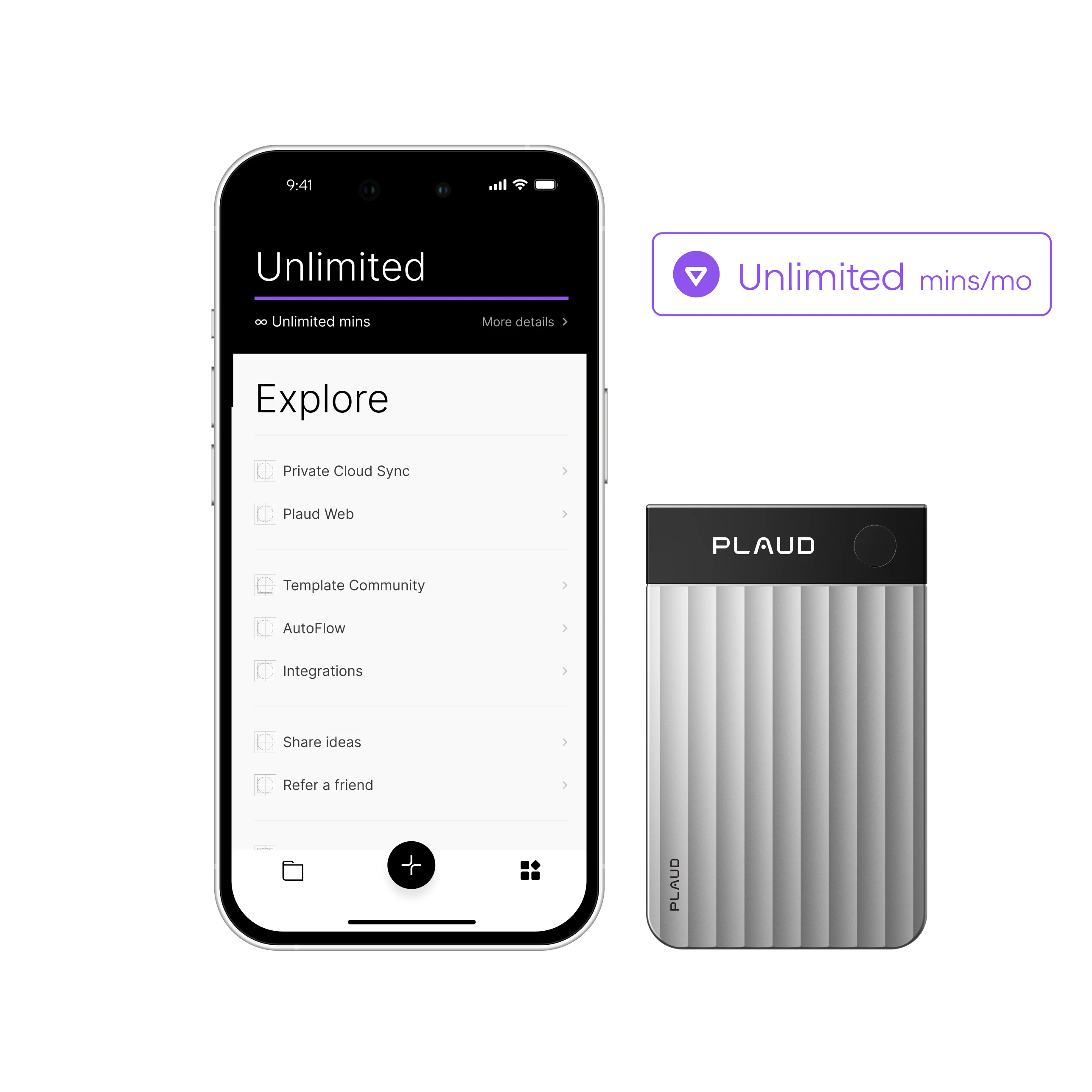
Unlimited

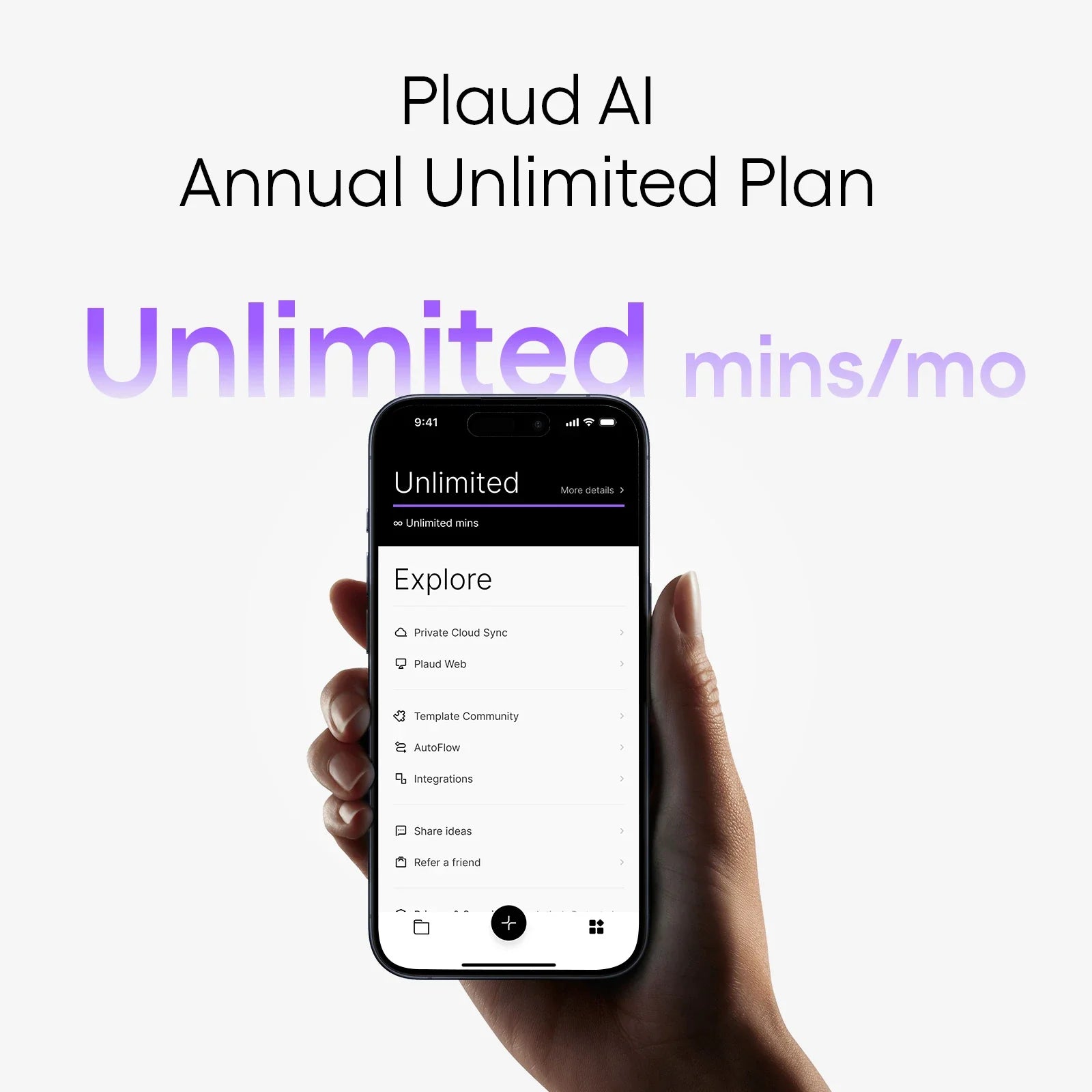
Unlimited transcription

$29.16

Per month, billed annually.

Get Unlimited

Everything in Pro, plus:

  • Unlimited transcription (up to 24 hrs/day)
  • For experts deeply reliant on conversations.

Team

For teams & organizations

From $30*

Per user / month, billed annually. $40 if billed monthly.

Get Team

Everything in Unlimited, plus:

  • Dedicated team workspace
  • Shared Team files
  • Team administration
  • Data Processing Agreement (DPA)
  • SAML SSO

Specifications

Recording & Microphones

Recording Scenarios: Capture every conversation in the room, online and on calls

Microphones: 4 High-SNR (68dB) MEMS with AI Beamforming /1 VPU

Pickup Range: Up to 5m

Connectivity & Control

Connect: BLE 5.4 / Wi-Fi

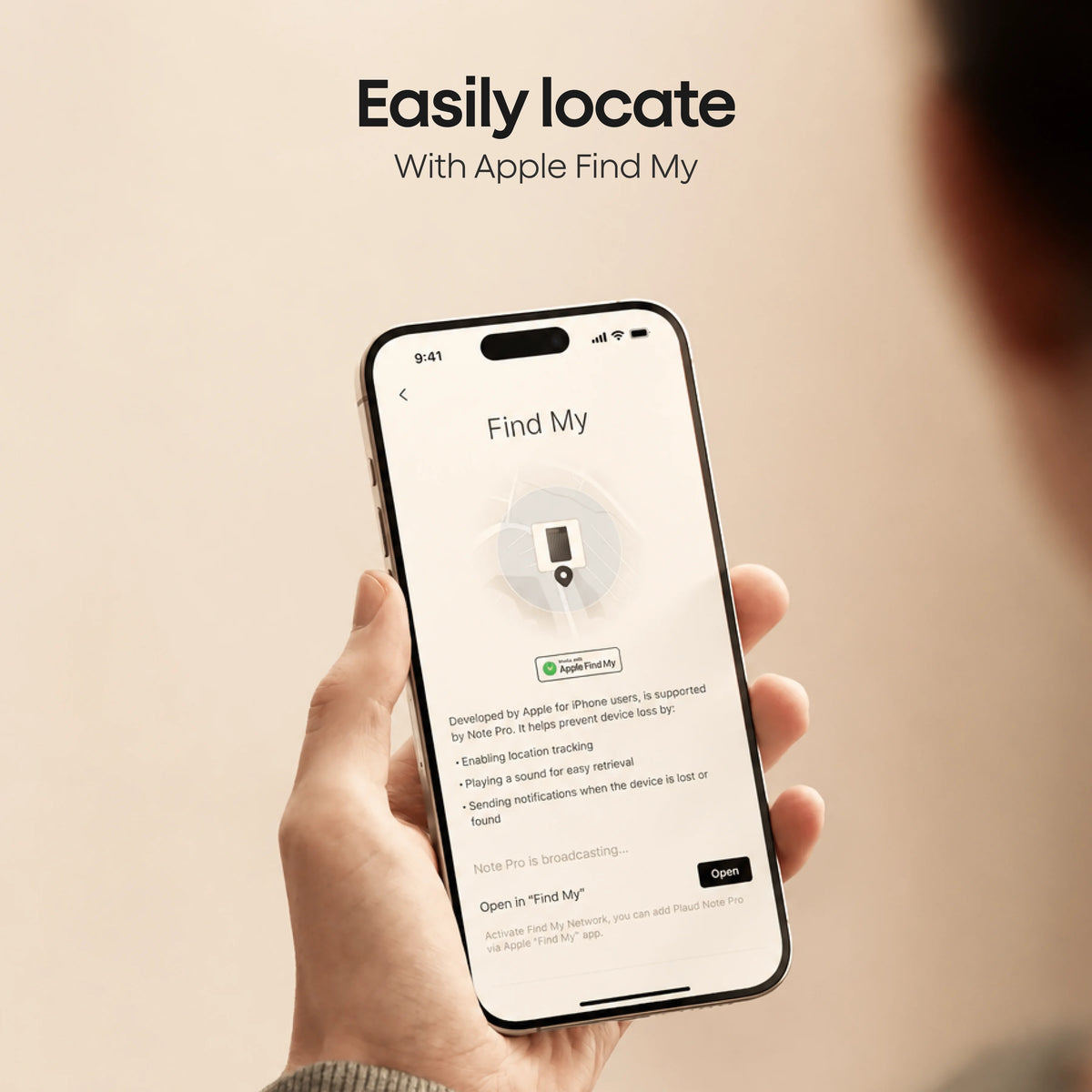
Apple Find My: Supported

Battery & Charging

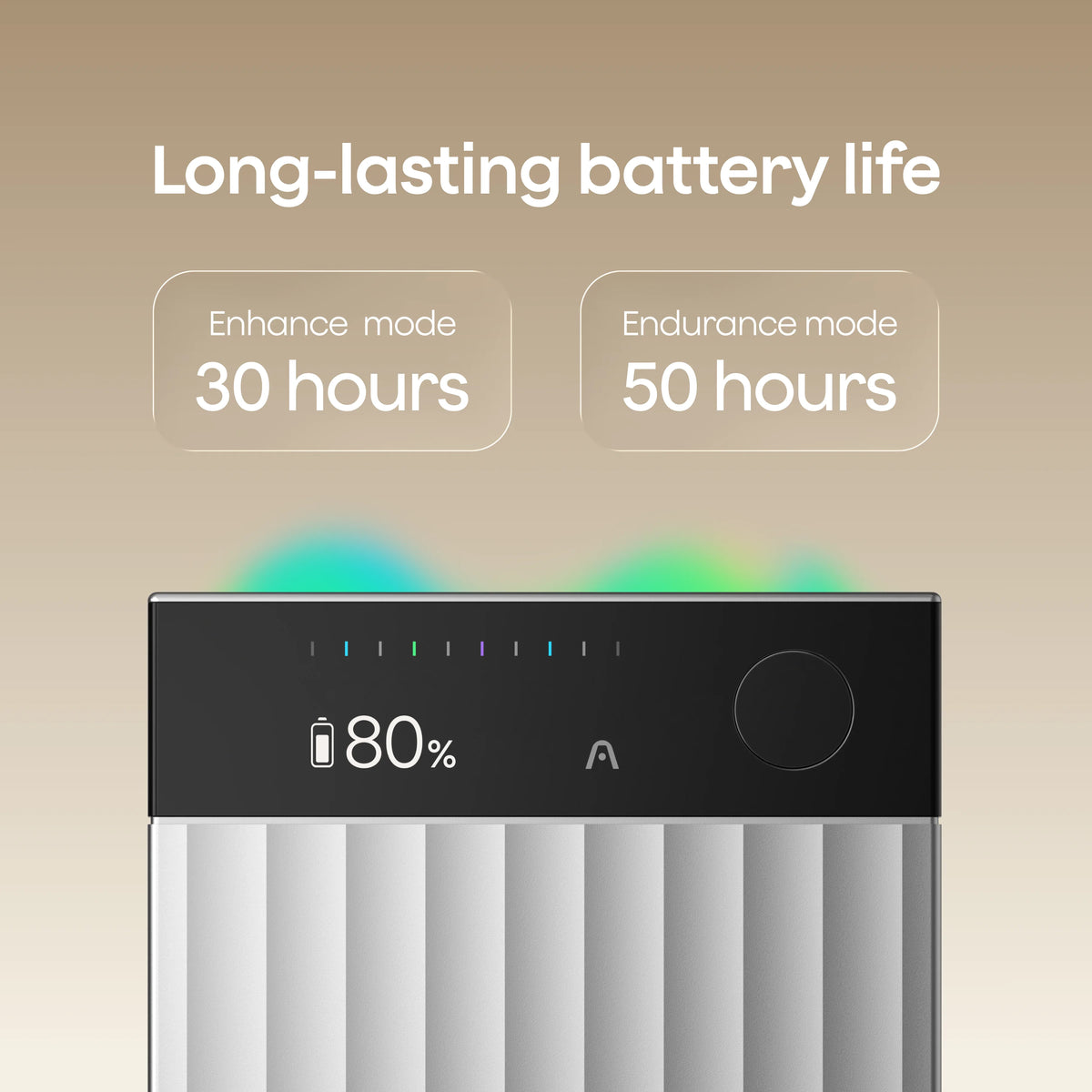
Continuous Recording: Up to 30 hours ³

Standby: Up to 60 days

Battery: 500 mAh

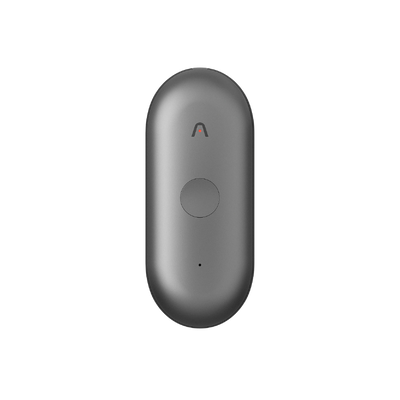
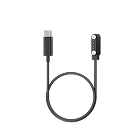
Charging Port: Magnetic charging via the included USB-C cable.

Design & Weight

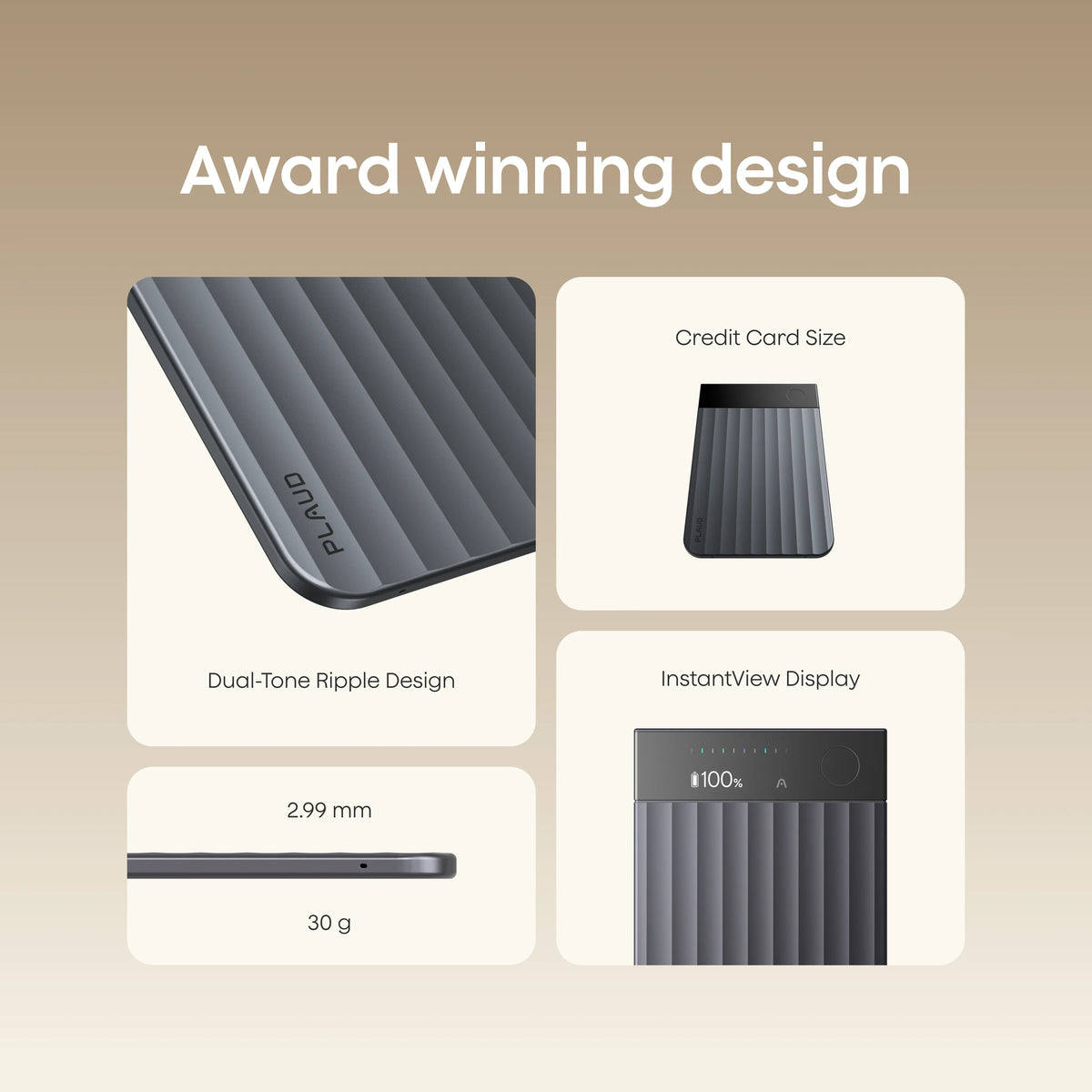
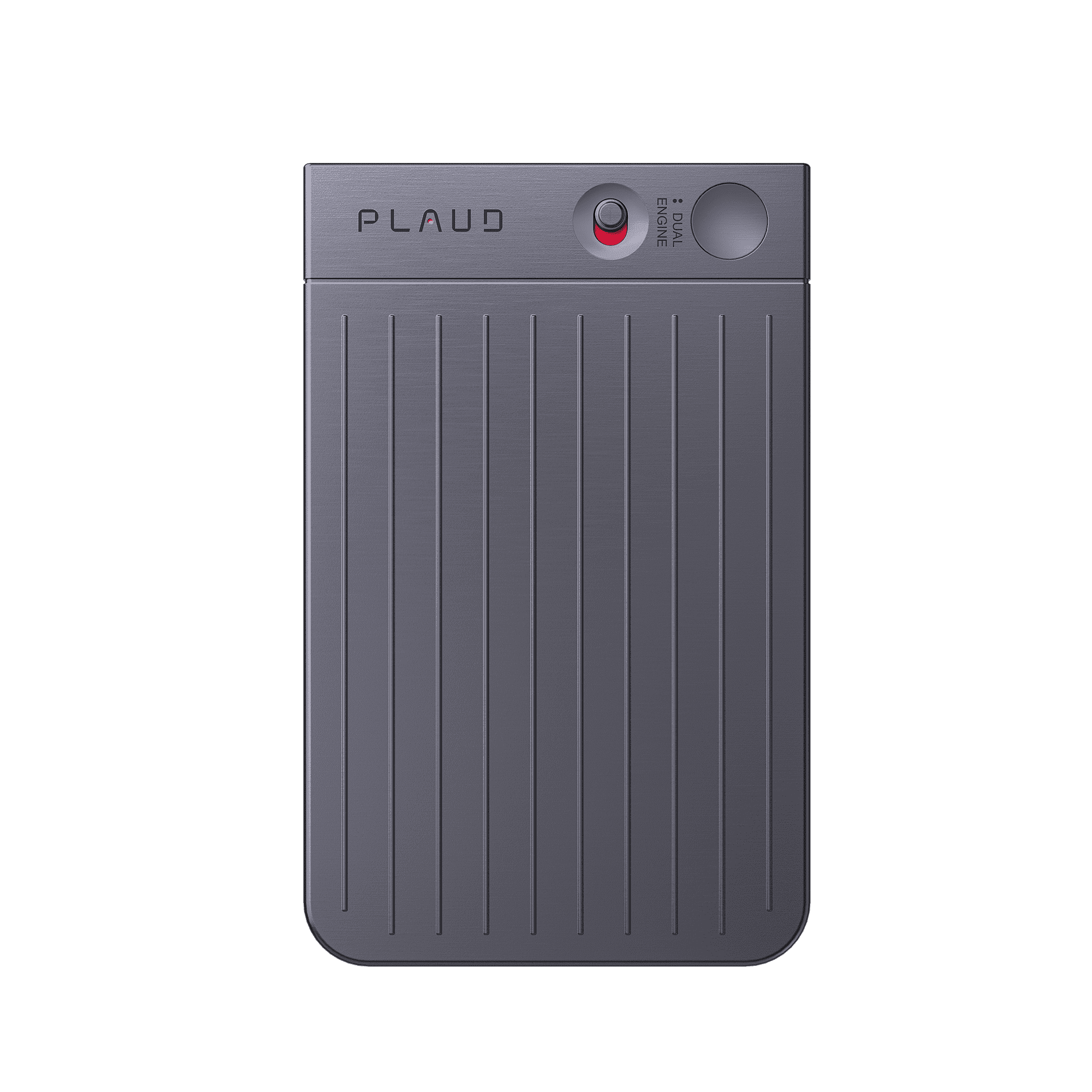
Dimensions: 85.6*54.1*2.99mm

Weight: 30g

Storage

Storage: 512 MB

A person's finger presses down on the edge of a slim, silver Plaud AI voice recorder, highlighting its thin profile.

Amplify human intelligence and maximize your productivity

A hand holds a silver Plaud Note Pro AI voice recorder with a black glass top strip and wavy ridges against a blurred city skyline.
A silver Plaud Note Pro is magnetically attached to the back of a silver smartphone, showing 80% battery on its black display.
260hrs*

of work saved per year per user

£4,846**

worth of income in time saved per year per user

*estimate based on an average of 1 hr saved per work day from post-meeting and related work.
**estimate based on a weighted average of US salaries divided by the amount of time saved per year.

FAQs

About Note Pro Flow Edition

What are the main differences between Plaud Note Pro Flow Edition and Plaud Note?

Plaud Note Pro Flow Edition is the most advanced AI note taker in the lineup. Plaud Note Pro Flow Edition offers several key upgrades over Plaud Note:

  1. Voice pickup & recording: Plaud Note Pro Flow Edition has a superior microphone setup with 4 High-SNR (68dB) MEMS with AI Beamforming / 1 VPU, enabling clearer voice capture up to 5m in Enhance mode, compared to the 2 MEMS mics and 1 VPU on Plaud Note with a 3m range.
  2. Display: Plaud Note Pro Flow Edition features an AMOLED display for better visibility, while Plaud Note lacks a display.
  3. Battery: Plaud Note Pro Flow Edition has a larger 500mAh battery, supporting up to 50 hours of recording in Endurance mode, whereas Plaud Note has a 400mAh battery with 30 hours of continuous recording.
  4. Recording mode: Plaud Note Pro Flow Edition includes smart dual-mode recording, which detects whether you are on a phone call or in an in-person conversation. Plaud Note has no scenario detection, so modes are set manually.
  5. Bluetooth: Plaud Note Pro Flow Edition supports BLE 5.4 for better connectivity, while Plaud Note only supports BLE 5.2.
What are the main differences between Plaud Note Pro Flow Edition and Plaud NotePin?
  • Plaud Note Pro Flow Edition is Plaud’s most advanced AI note taker, designed for professionals that want to capture both in person conversations as well as phone calls, and want the top of the line audio recording range and battery life.
  • Plaud NotePin, on the other hand, is Plaud’s smallest, wearable AI note taker, ideal for professionals that are on the go and have most of their conversations in person.
Is the recording quality of Plaud Note Pro Flow Edition better than Plaud Note?

Yes. Plaud Note Pro Flow Edition uses Super Mics: four 68 dB High-SNR MEMS microphones, one in each corner, with AI beamforming. Plaud Note uses two MEMS mics. The increased number of microphones directly improves the sound pickup capability.

Can Plaud record in larger spaces? Big meeting rooms, conferences, etc.

Yes, Plaud is engineered to record effectively in larger spaces such as big meeting rooms, lecture halls, and conferences.

How does smart dual-mode recording work on Plaud Note Pro Flow Edition?

Smart dual-mode recording detects whether you are on a phone call or in an in-person conversation. When you start recording, a built-in sensor reads whether Plaud Note Pro Flow Edition is placed vertically or horizontally, and automatically sets call or in-person recording to match. No manual mode switching is needed.

Why Plaud

How is Plaud better than using a phone app?

Plaud provides many advantages over recording with your smartphone, including:

  1. Extended Battery: Up to 50 hours in Endurance mode on Plaud Note Pro Flow Edition.
  2. Long Range Capture: State of the art microphones capture clear audio from greater distances (e.g., up to 5m in Enhance mode on Plaud Note Pro Flow Edition).
  3. Convenient Form Factor: One press to record makes it extremely easy and seamless to start capturing conversations. With a phone, the experience looks like:
  • Pausing the conversation to pull out the phone.
  • Unlocking the phone.
  • Opening the recording app.
  • If you switch apps or get a phone call, the recording stops.

  4. Summary Templates: Plaud automatically transcribes and summarizes your conversations with AI. You can build your own custom summary template, or pick from 10,000+ professional summary templates for every use case and industry.

How is Plaud better than the online notetakers like Microsoft Copilot or Google Meet?

Plaud is designed for universal professional coverage across all scenarios:

  • Plaud captures every conversation, not just online conferencing—in-person meetings, phone calls, and even conference keynotes.
  • Dedicated hardware provides 10x more convenience and avoids disruption vs. launching a computer/phone application in an in-person setting.
  • Create your own custom summary template or pick from 10,000+ professional summary templates tailored precisely to your professional role or industry.
Do I have to pay a monthly fee to use Plaud?

No. Plaud is free to use for up to 300 minutes every month. We also offer Plaud AI membership plans for professionals who use it every day.

Who are the typical users of Plaud?

Plaud is used by over 3 million working professionals, many of whom rely heavily on meetings and conversations, including roles such as:

  • Executives
  • Managers
  • Sales
  • Lawyers
  • Consultants
  • Educators

Privacy & compliance

How does Plaud protect my privacy and data? (HIPAA / SOC 2 / GDPR / EN 18031 / ISO 27001 / 27701)

Privacy and data security are at the core of Plaud. Plaud is designed to meet leading security and privacy standards, including SOC 2 Type II, GDPR, ISO 27001/27701 and EN 18031, and is aligned with HIPAA.

What about consent for recording?

Before capturing a conversation, it’s good practice to give others a quick heads-up. Local regulations differ, so if you’re unsure, a quick check helps you stay confident.

Not sure how to ask for consent? Here is an easy one-liner: “Mind if I use my AI note-taker so I don’t miss any details/follow-ups from our chat? I can share the notes with you after as well.”

Setup & support

How do I update the firmware for my Plaud Note Pro Flow Edition?

Keeping the firmware up-to-date can help ensure the best and most current experience with Plaud Note Pro Flow Edition. Before updating, please ensure that Plaud Note Pro Flow Edition meets the following three conditions:

  • Keep Plaud Note Pro Flow Edition charging (using a charger, not connected to a computer).
  • Ensure Plaud Note Pro Flow Edition is not in recording mode.
  • Connect your Plaud Note Pro Flow Edition to the Plaud App first.

To update the firmware, please follow the steps below:

  • Enter the Plaud App to access your Plaud Note Pro Flow Edition.
  • Enter your device and tap on "Firmware update." The system will automatically check your current version. "Up to Date" means your firmware is the latest version.
How do I find the Serial Number of my Plaud Note Pro Flow Edition?

If you're searching for the Serial Number (SN) of your recorder, there are several locations to check:

  1. Inspect the box that the recorder arrived in. The SN is imprinted on a label on the back of the box.
  2. Open the Plaud App and enter the device settings page. The SN is displayed on this page.

Disclaimers:

  1. Recording distance and performance may vary by environment, noise level, speaker volume, device position, language, region, device, and software version.
  2. Requires AutoFlow and Auto Transfer to be enabled in app settings. Auto Transfer requires location permission to detect when your device is nearby. Your location is not stored or used for any other purpose. Available on iPhone only. Android support is coming soon.
  3. Battery life may vary based on usage, settings, and other factors.⁠
  4. Integration availability may vary. Some integrations may not be available at launch and may be added in future software updates.
  5. Plaud Intelligence beta features are subject to change and may not be available in all languages, regions, devices, or software versions.
  6. Conversation data is not used to train models unless the user explicitly opts in. Data is encrypted in transit and at rest.
  7. Privacy reminder: If required by law, please obtain consent from all participants before recording. Respect privacy and comply with applicable law.
  8. 512 MB of local storage holds approximately 30 hours of continuous recording at default recording quality. Up to 50 hours of continuous recording is achievable only if Auto Transfer is on so recordings are offloaded continuously. Auto Transfer must be enabled in the Plaud app and is currently available on iPhone only. If a transfer does not complete, the recording stays on the device. Actual capacity varies with recording settings and other factors.