As AI becomes increasingly integrated into our working lives, the key question may no longer be, “Will AI replace people?” but rather, “How can we use AI to give people more time to focus on work that creates greater value?”
For Pong Jakkapong Kongmalai, Founder and CEO of Moonshot Digital, Plaud plays exactly this kind of role — particularly in tasks involving capturing, summarizing, and recapping meetings, which previously required support from his team or took up a significant amount of his own time.
He found that Plaud could help handle some of the work that had previously been managed by his support team. Other tasks that require contextual understanding, coordination, and decision-making remain in the hands of his support and administrative teams.
From his perspective, AI is not about diminishing the role of people. Instead, it helps reduce time-consuming tasks, allowing team members to focus more of their time and skills on higher-value work.
From a One-Hour Meeting to a Ready-to-Use Recap in 20 Minutes
One of the ways Pong uses Plaud most frequently is to recap meetings and conversations, particularly client discussions involving a large amount of detailed information. Taking notes, transcribing, and restructuring all of that information manually can require a significant amount of time.
He shared an example of a client who called him for advice on brand communication amid concerns about the future economic outlook. The conversation was an in-depth consultation lasting approximately one hour and ten minutes.
After the conversation, he took the transcript and continued working with it in ChatGPT, where he had set up Custom Instructions to reflect his working style and context. He then asked it to prepare a client recap, transferred the content into an email, and reviewed it again before sending. He also stated that he configures the platforms he uses so that meeting information is not used for model training, helping protect the privacy of the content.
The entire process took approximately 20 minutes, significantly reducing the time he would otherwise spend replaying the conversation, taking notes, and summarizing everything manually.
However, speed does not mean handing over the entire decision-making process to AI.
After receiving an AI-assisted summary, Pong still reviews the content for accuracy and adjusts the language and tone to suit the context — whether that means changing the level of formality or adapting the message based on his relationship with the recipient — before sending a recap or response to a client.
This demonstrates a clear division of roles between AI and people: AI helps organize information and reduce time-consuming work, while people remain responsible for reviewing the output, understanding the context, and deciding how to communicate.
A Plaud Device for the Meetings Happening in Front of You
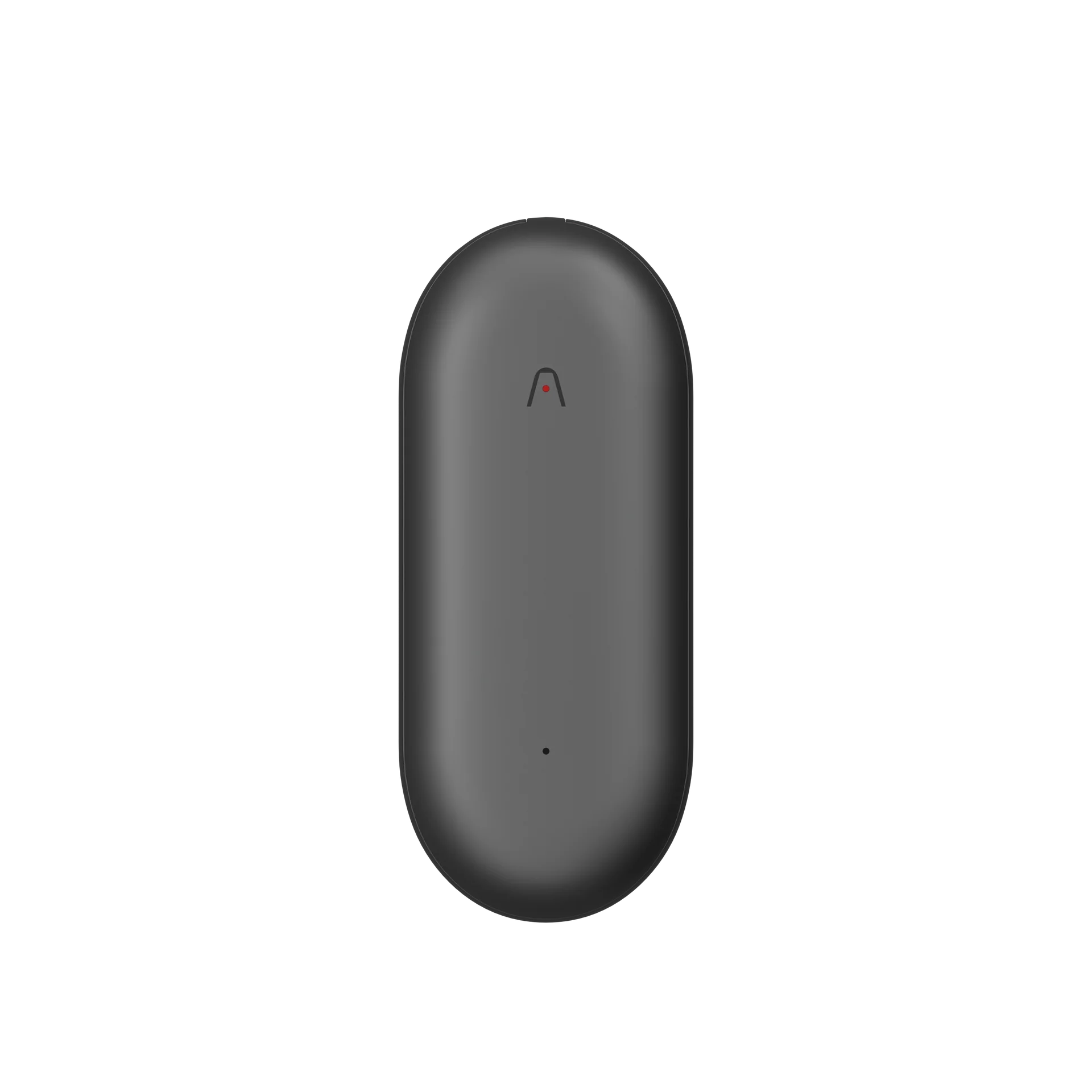
Beyond summarizing information, Pong also carries a Plaud device in his bag for meetings and face-to-face conversations with clients.
Although smartphones can also record audio, he finds that having a device designed specifically for this purpose makes the experience feel more natural and reduces his reliance on his phone.
At the same time, privacy and consent before recording remain important considerations. He always informs the other person before using the device to capture a conversation, as he is mindful of PDPA requirements and the sensitivity of business information.
If a client indicates that information discussed in a meeting is confidential or that they do not want the conversation recorded, he does not use Plaud and instead takes notes on his reMarkable.
Technology, therefore, is not something he uses automatically in every situation. It still requires human judgment to determine what should be captured and what should never enter the system in the first place.
Plaud Desktop: Fitting Naturally Into a Real Working Day
If he had to choose one part of Plaud that fits particularly well into his existing workflow, Pong points to Plaud Desktop as one of the features that genuinely works for his day-to-day routine.
During online meetings, he can quickly start capturing the conversation, while a pop-up reminder helps ensure that he does not forget to begin. The window does not interfere with his main workspace, and he typically keeps it positioned in the upper-right corner of his screen during meetings.
From his perspective, people today are already relatively familiar with online meetings being recorded through platforms such as Microsoft or Google. If a participant does not want a meeting recorded, they will typically raise the issue at the beginning of the session.
He has also allowed Plaud to connect with Microsoft Teams and Outlook to help bring relevant notes and work context together. After returning from a meeting, he can generate the content as text and immediately continue working with the information.
Previously, the “end of a meeting” often meant the beginning of another set of tasks — gathering notes, extracting key points, and writing a recap. By shortening these processes, Plaud helps him move more quickly from the conversation itself to the next stage of work.
When AI Opens the Door to Knowledge Limited by Language
Pong’s use of Plaud is not limited to work and meetings. He also uses it for learning.
He uses Plaud to capture content from Japanese-language webinars and other international content that he would otherwise be unable to fully understand by listening alone.
Even with English content, he estimates that he understands around 70%, while the remaining 30% can sometimes be “lost in translation,” particularly when the material contains detailed information or specialized terminology.
Having a tool that can help capture, translate, and summarize the content allows him to revisit information he may have missed the first time and gain more value from content in other languages.
Where language might once have limited access to knowledge, technology can help narrow that gap — allowing content that was previously only partially accessible to be revisited, reviewed, and built upon later.
Mind Maps Turn Long Conversations Into Something You Can See
Another feature Pong particularly likes is Visuals and Mind Maps.
For long meetings or conversations that cover multiple topics, visualizing the information makes it easier for him to see where the discussion began, how it branched into different topics, and whether any important points may have been missed in the summary.
A Mind Map therefore does more than simply condense information. It provides another way to see the structure of a conversation, offering a different perspective from reading a transcript or text-based summary alone.
Manfa also finds this feature particularly useful, as turning information into a visual format makes it easier to grasp and remember key points.
The Best AI May Not Be the AI That Does Everything for Us
Pong’s experience illustrates an interesting approach to using AI at work. It is not about handing everything over to AI, but about identifying repetitive and time-consuming processes that technology can help complete more efficiently, while keeping people responsible for the work that requires context, judgment, and interpersonal understanding.
Plaud helps transform conversations into information that can be used for the next step, reducing the time spent on transcription, summarization, and organizing information. Ultimately, however, people still decide what that information means, how it should be used, and how it should be communicated to others.
When less time is spent on these tasks, the benefit is not simply greater speed. It is the opportunity to redirect that time toward work that requires more human thought, understanding, and value.